
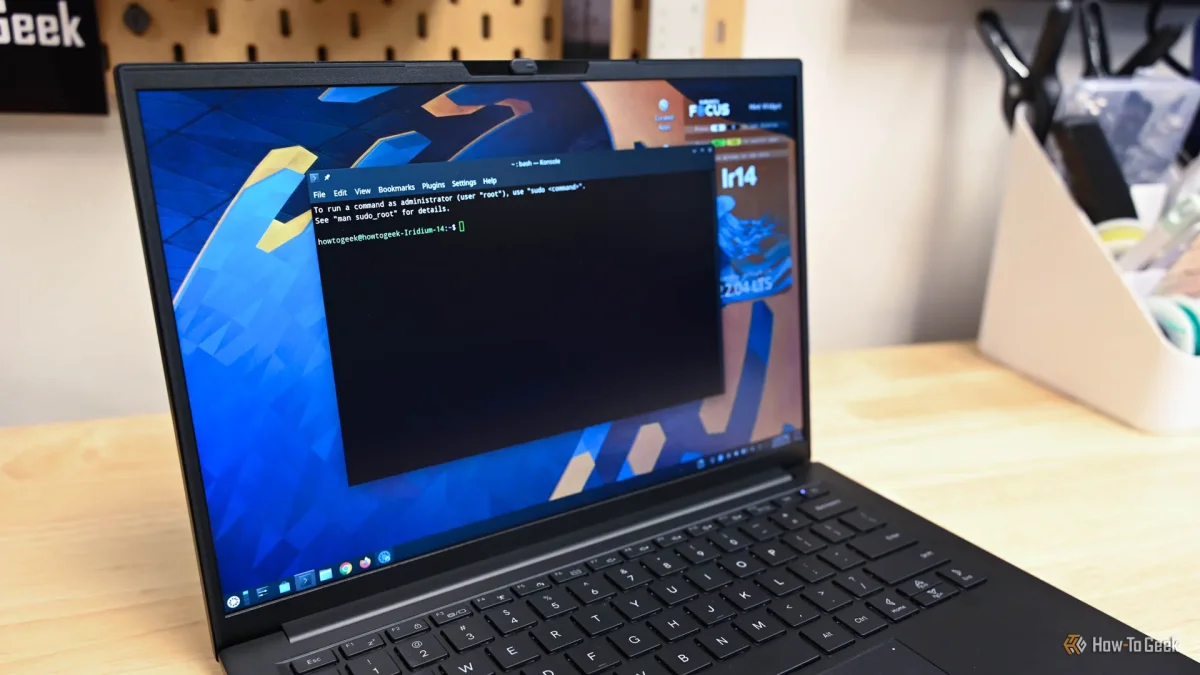

The Linux command line offers a variety of commands that can enhance your file management skills. Among these, the pwd command helps users identify their current directory by displaying the full path of the working directory, commonly the home directory when the terminal is first opened.
To navigate through the filesystem, the cd command allows users to change directories. This command can accept either absolute paths, like cd /usr/local/bin, or relative paths, such as cd bin. Executing cd without any arguments returns the user to their home directory.
Once in a directory, users can utilize the ls command to view its contents. This command can be customized with options like -l for a detailed list or -F for clearer file type indicators. Wildcards can also be employed to match specific file patterns, making file management more efficient.