
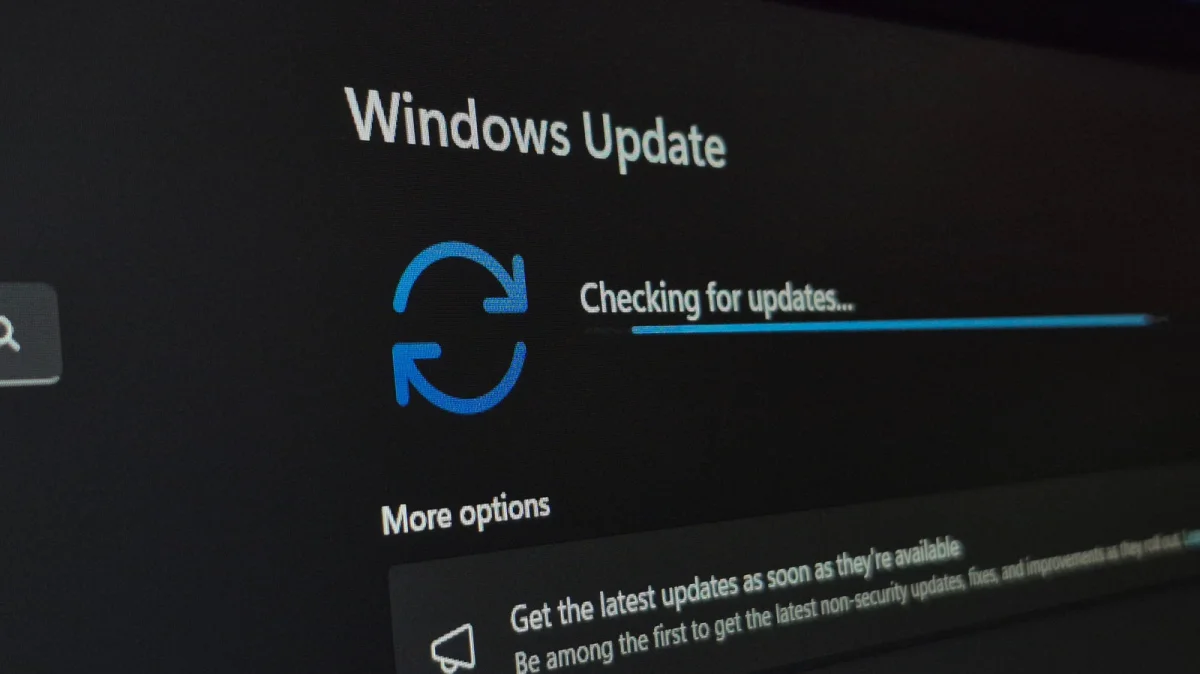

The recent June update for Windows 11, identified as KB5094126, introduces significant enhancements to system performance and user experience. Among the changes is a new low-latency mode aimed at improving the responsiveness of essential features like the Start Menu and app launches, addressing long-standing complaints from users.
This update is one of the most substantial released in recent times, as Microsoft seeks to revitalize its flagship operating system. The low-latency profile enables the CPU to temporarily operate at maximum speed when a system element is activated, resulting in quicker load times. However, this feature will not be automatically activated for all users; it can be monitored through CPU performance in Task Manager or tools such as HWiNFO64.
In addition to the low-latency improvements, the update also includes hundreds of bug fixes and security patches. Future updates are expected to offer even more customization options for the Start Menu, allowing users to tailor their experience more extensively. Enhanced app launch speeds have also been reported, reflecting ongoing efforts by Microsoft to enhance user satisfaction with Windows 11.