

Screen-Aware AI Enhances User Experience Amid Ongoing Windows Recall Concerns

Screen-Aware AI Enhances User Experience Amid Ongoing Windows Recall Concerns

Microsoft's new Copilot Vision feature allows for real-time assistance on your screen, contrasting with the invasive Windows Recall that constantly logs user activity. Discover how this shift could redefine user experience.

NeboAI I summarize the news with data, figures and context
IN 30 SECONDS

IN 1 SENTENCE

SENTIMENT
Neutral

𒀭
NeboAI is working, please wait...
Preparing detailed analysis
Quick summary completed
Extracting data, figures and quotes...
Identifying key players and context
DETAILED ANALYSIS
SHARE

NeboAI produces automated editions of journalistic texts in the form of summaries and analyses. Its experimental results are based on artificial intelligence. As an AI edition, texts may occasionally contain errors, omissions, incorrect data relationships and other unforeseen inaccuracies. We recommend verifying the content.

Microsoft's Windows Recall feature has faced criticism for its approach to user data, capturing passive snapshots of activity every few seconds. Concerns have been raised about privacy and the invasiveness of such monitoring, with users expressing discomfort over having their actions recorded continuously.

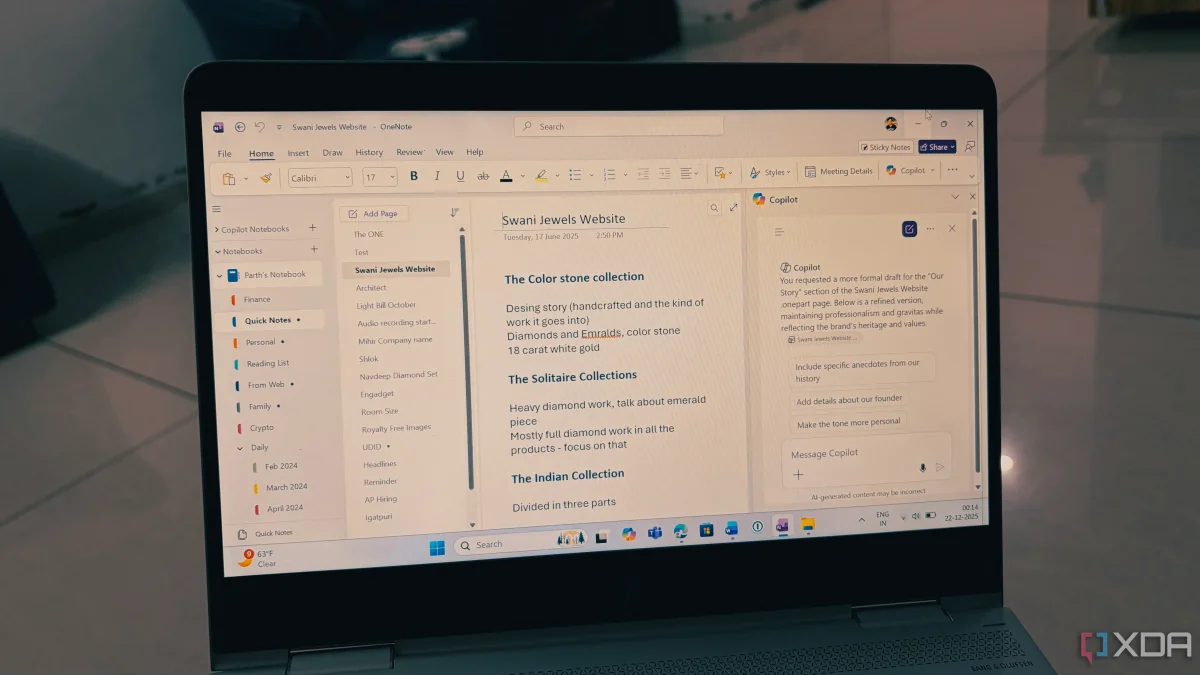
In contrast, the newly introduced Screen Aware AI from Copilot, branded as Copilot Vision, aims to provide real-time assistance without the need for an extensive log of past activities. Unlike Windows Recall, this feature responds to specific user requests, offering support for current tasks rather than storing a timeline of previous actions.

Users have noted that while having access to historical data can be beneficial, it often does not outweigh the security risks associated with storing such information. Many prefer to utilize their internet search history for past references instead of relying on a comprehensive log from Windows Recall.

With Copilot Vision, users can actively engage with the AI for help with ongoing tasks, making it feel more like a supportive tool than an invasive surveillance system. This shift in focus from past to present interactions represents a significant change in how Microsoft approaches user assistance through AI.

Want to read the full article? Access the original article with all the details.
Read Original Article
TL;DR

This article is an original summary for informational purposes. Image credits and full coverage at the original source. · View Content Policy

Editorial
Editorial Staff

Our editorial team works around the clock to bring you the latest tech news, trends, and insights from the industry. We cover everything from artificial intelligence breakthroughs to startup funding rounds, gadget launches, and cybersecurity threats. Our mission is to keep you informed with accurate, timely, and relevant technology coverage.

Press Enter to search or ESC to close