
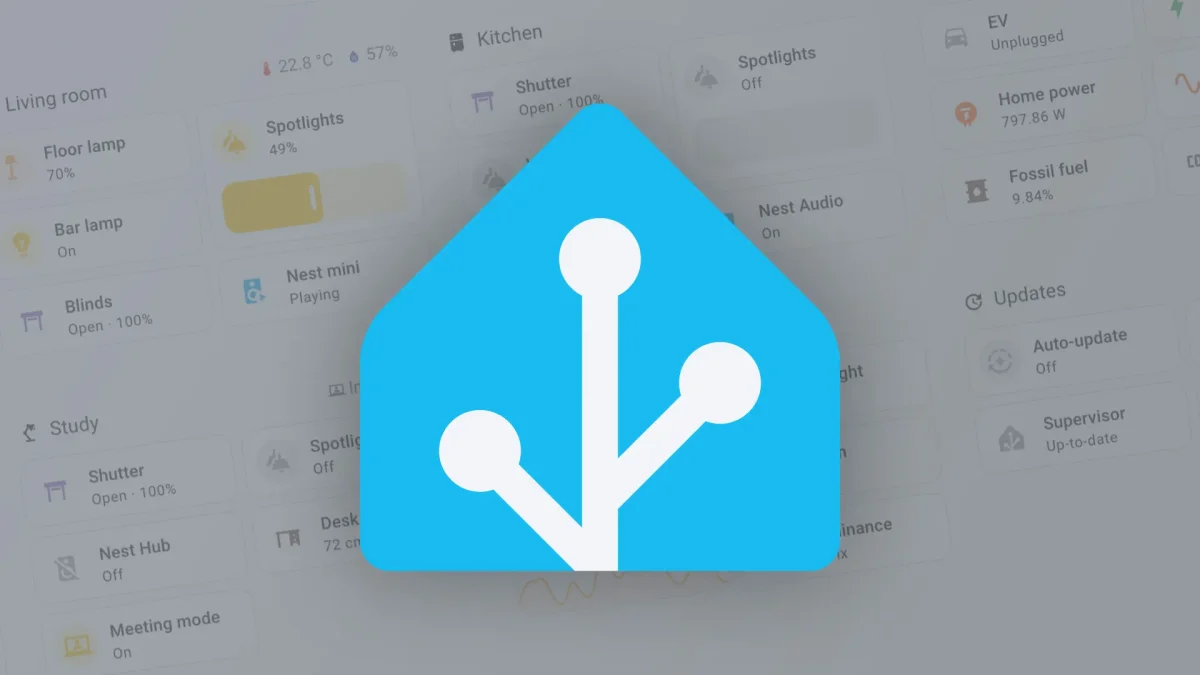

Users gain enhanced control with Home Assistant 2026.1's revamped dashboard features

Users gain enhanced control with Home Assistant 2026.1's revamped dashboard features

Home Assistant 2026.1 introduces an updated mobile dashboard and new device management features, streamlining user experience and enhancing automation capabilities. Discover the changes!

NeboAI I summarize the news with data, figures and context
IN 30 SECONDS

IN 1 SENTENCE

SENTIMENT
Neutral

𒀭
NeboAI is working, please wait...
Preparing detailed analysis
Quick summary completed
Extracting data, figures and quotes...
Identifying key players and context
DETAILED ANALYSIS
SHARE

NeboAI produces automated editions of journalistic texts in the form of summaries and analyses. Its experimental results are based on artificial intelligence. As an AI edition, texts may occasionally contain errors, omissions, incorrect data relationships and other unforeseen inaccuracies. We recommend verifying the content.

Home Assistant has unveiled version 2026.1, marking its first major update of the year. This release introduces numerous enhancements to the platform's user interface, particularly for mobile users, who will notice that summary cards for lights, security, and energy usage are now prominently displayed at the top of the Home dashboard.

Additionally, a new Devices page has been added, providing easy access to all devices not assigned to a specific area, eliminating the need to search through settings. The settings page has also been reorganized for better accessibility. This update builds on the previous version's introduction of purpose-specific triggers, expanding the variety of automations available. Users can now set triggers based on parameters such as button presses, device movements, and lock status changes, although these features remain experimental and must be enabled in the settings.

Furthermore, Home Assistant 2026.1 integrates new functionalities for controlling devices like Airpatrol air conditioning units and eGauge energy monitors. Despite the timing of the release coinciding with the holiday season, this update offers valuable changes aimed at improving user experience.

Want to read the full article? Access the original article with all the details.
Read Original Article
TL;DR

This article is an original summary for informational purposes. Image credits and full coverage at the original source. · View Content Policy

Editorial
Editorial Staff

Our editorial team works around the clock to bring you the latest tech news, trends, and insights from the industry. We cover everything from artificial intelligence breakthroughs to startup funding rounds, gadget launches, and cybersecurity threats. Our mission is to keep you informed with accurate, timely, and relevant technology coverage.

Press Enter to search or ESC to close