
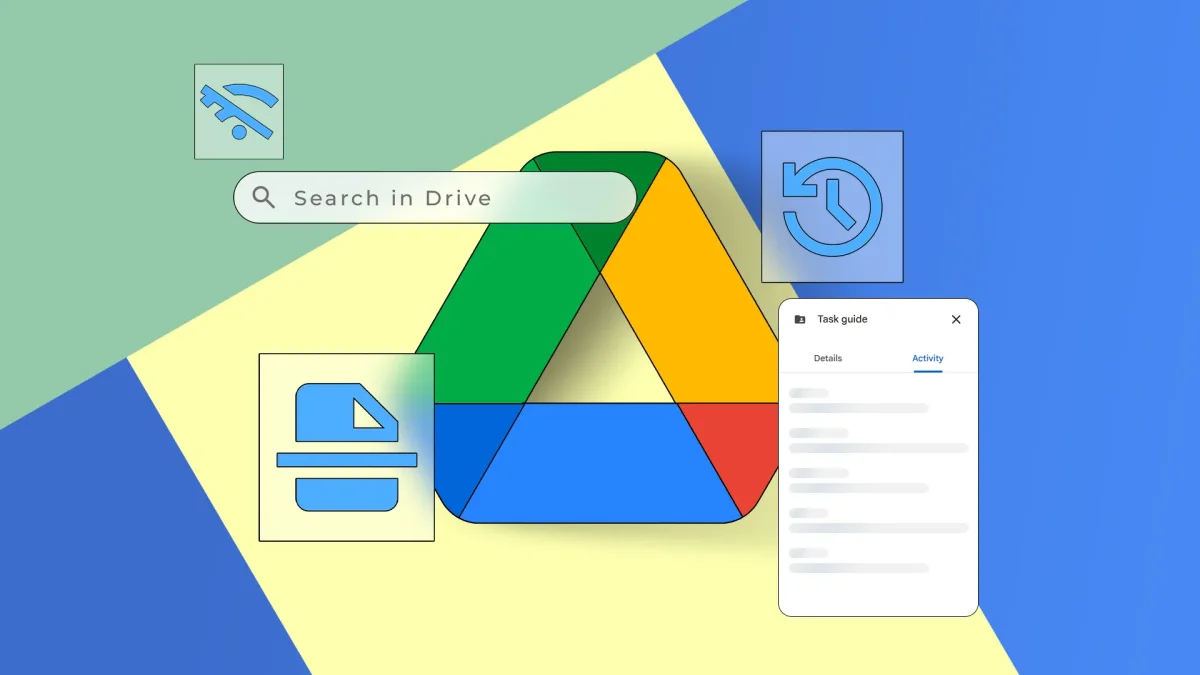

Google Drive has evolved beyond simple cloud storage, offering a range of advanced tools that enhance productivity and organization. Users can benefit from features such as automatic file organization, collaboration tools, and workflow automation, which are often hidden in menus and settings.
A built-in scanning feature allows users to capture documents directly within the Drive app on Android devices. By selecting the Scan option, individuals can quickly photograph receipts and notes, with Drive automatically converting these images into PDFs, which can then be edited and stored in the user's Drive.
Additionally, Google Drive incorporates optical character recognition (OCR), enabling users to search for text within images and scanned documents. This feature helps locate files even when they are not properly named. Furthermore, Drive's version history provides a safety net, allowing users to recover previous drafts of documents created in Google Docs, Sheets, and Slides, making data management more secure.