

Third-Party Snipping Tool Surpasses Microsoft, Raising Questions About User Preferences

Third-Party Snipping Tool Surpasses Microsoft, Raising Questions About User Preferences

Windows Snipping Tool has improved but lacks essential features like scrolling screenshots and capturing minimized windows, pushing users toward more robust alternatives like ShareX.

NeboAI I summarize the news with data, figures and context
IN 30 SECONDS

IN 1 SENTENCE

SENTIMENT
Neutral

𒀭
NeboAI is working, please wait...
Preparing detailed analysis
Quick summary completed
Extracting data, figures and quotes...
Identifying key players and context
DETAILED ANALYSIS
SHARE

NeboAI produces automated editions of journalistic texts in the form of summaries and analyses. Its experimental results are based on artificial intelligence. As an AI edition, texts may occasionally contain errors, omissions, incorrect data relationships and other unforeseen inaccuracies. We recommend verifying the content.

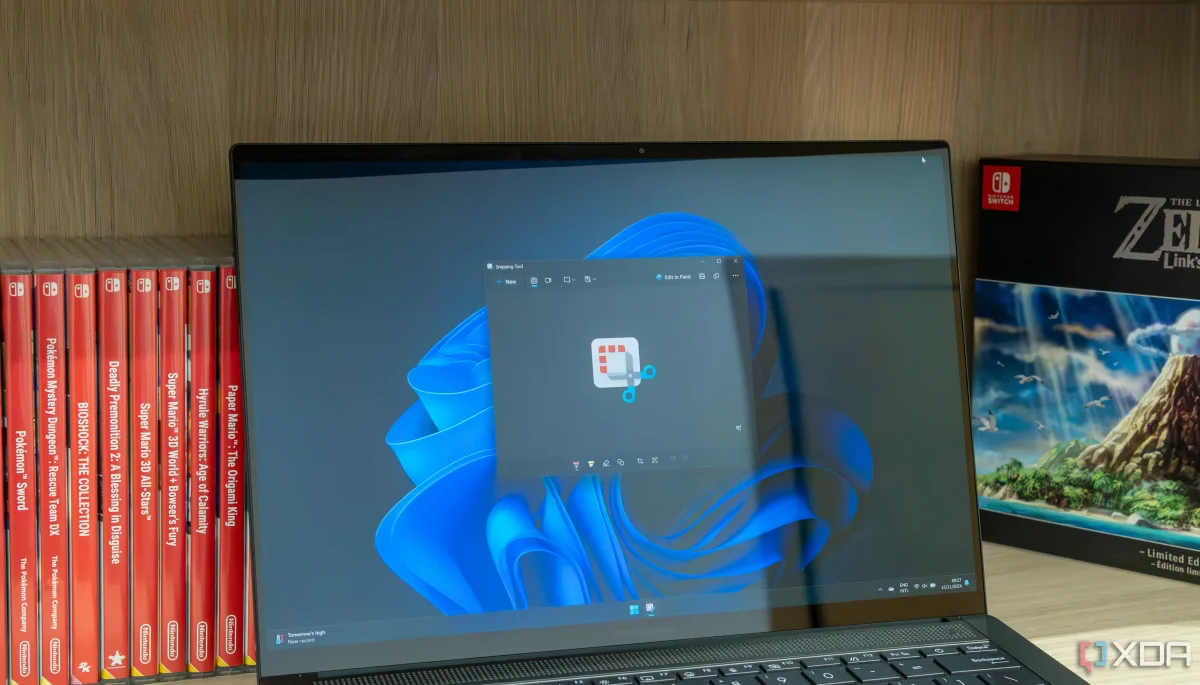
The Snipping Tool, a screenshot utility in Windows, has seen significant enhancements in recent years, particularly with the release of Windows 11. Despite these improvements, users still find it lacking compared to third-party applications. While it provides basic functionalities such as screen recording and text extraction, many advanced users struggle to rely on it fully.

For over five years, ShareX, an open-source tool, has been favored for its extensive features and customization options that bridge the gaps left by Snipping Tool. Users can capture scrolling screenshots, take images of minimized windows, and even create GIFs—capabilities that Snipping Tool does not support. The inability to capture active windows that are not visible on the desktop further limits its utility.

Though Snipping Tool is designed for general users with straightforward tasks, it falls short for those needing more advanced functions. ShareX excels in post-capture editing, offering superior annotation tools compared to the basic options available in Snipping Tool, making it a preferred choice for professionals who frequently engage in screenshot capturing.

Want to read the full article? Access the original article with all the details.
Read Original Article
TL;DR

This article is an original summary for informational purposes. Image credits and full coverage at the original source. · View Content Policy

Editorial
Editorial Staff

Our editorial team works around the clock to bring you the latest tech news, trends, and insights from the industry. We cover everything from artificial intelligence breakthroughs to startup funding rounds, gadget launches, and cybersecurity threats. Our mission is to keep you informed with accurate, timely, and relevant technology coverage.

Press Enter to search or ESC to close