
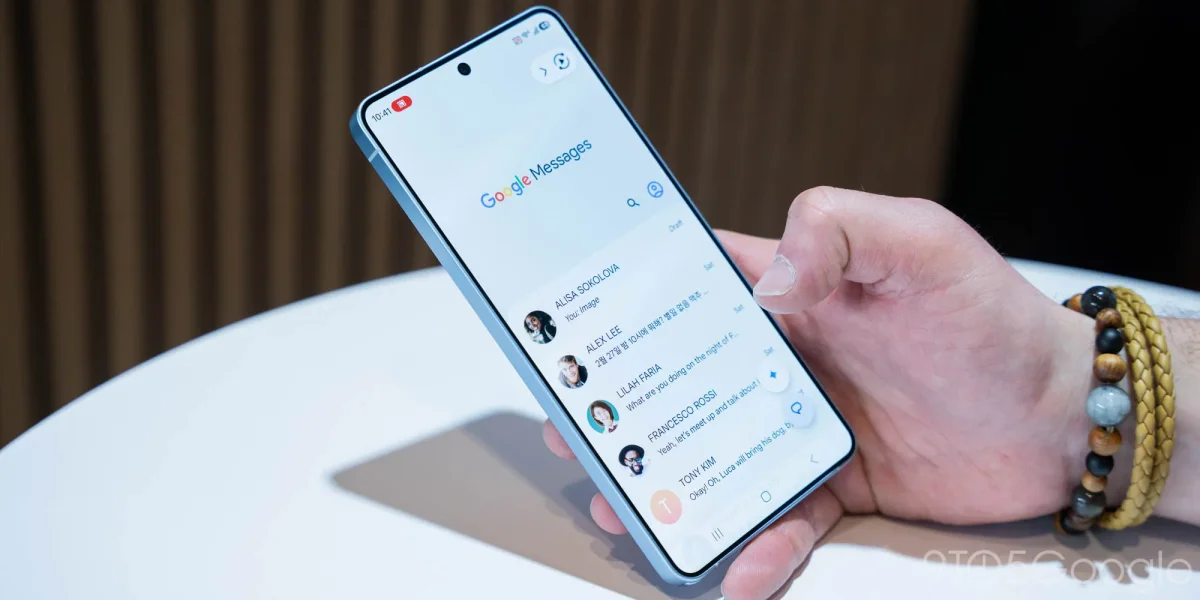

The latest update of Google Messages, version 20260522_00_RC00, introduces a new feature called “Tap to draft” aimed at enhancing user experience by reducing accidental message sends. Previously, users would send a Smart Reply immediately upon tapping it, which led some to disable this feature entirely. With the new functionality, selecting a Smart Reply will insert it into the text box, allowing users to edit before sending.
To enable the “Tap to draft” feature, users need to navigate to Settings > Suggestions & Actions, where the menu has been recently renamed to “Suggestions.” The default setting upon launch remains “Tap to send,” which sends messages directly to the chat without the option for further edits.
This improvement in Google Messages is part of a broader rollout that includes updates for both Android and iPhone users, enhancing the overall messaging experience.