
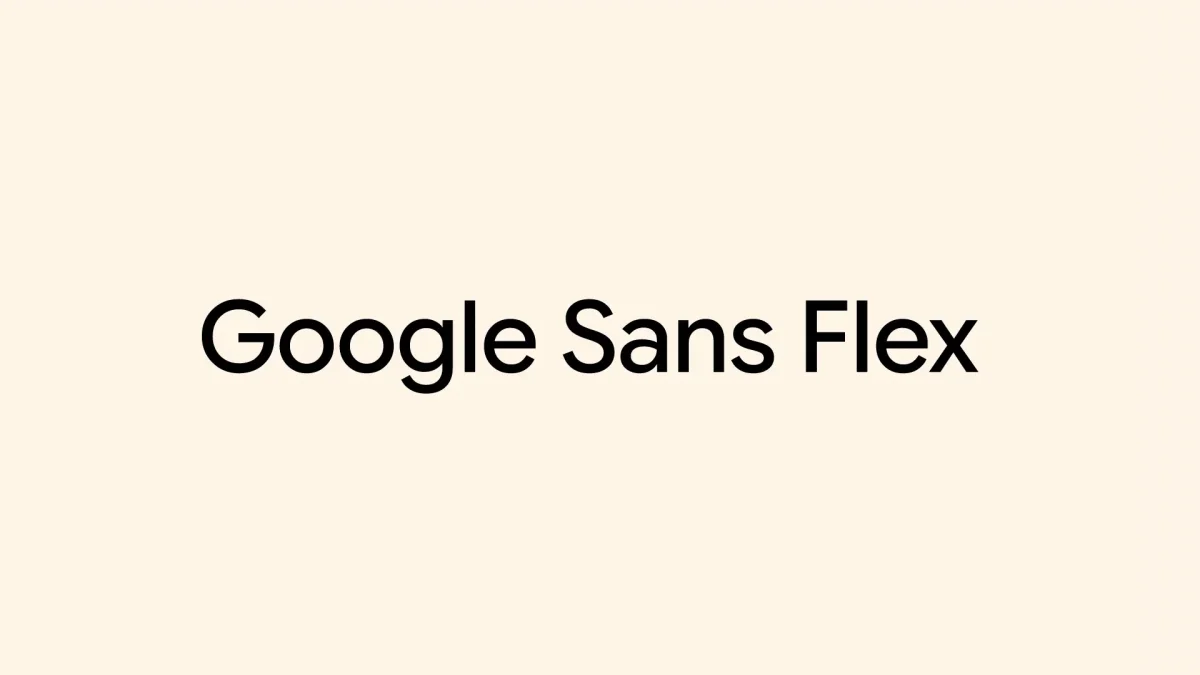

Google Docs enhances user experience by adding Google Sans font option

Google Docs enhances user experience by adding Google Sans font option

Google has made Google Sans and Google Sans Flex available for Google Docs, enhancing customization for users and aiming for cohesive visual experiences across platforms. Explore how these changes can improve your document aesthetics.

NeboAI I summarize the news with data, figures and context
IN 30 SECONDS

IN 1 SENTENCE

SENTIMENT
Neutral

𒀭
NeboAI is working, please wait...
Preparing detailed analysis
Quick summary completed
Extracting data, figures and quotes...
Identifying key players and context
DETAILED ANALYSIS
SHARE

NeboAI produces automated editions of journalistic texts in the form of summaries and analyses. Its experimental results are based on artificial intelligence. As an AI edition, texts may occasionally contain errors, omissions, incorrect data relationships and other unforeseen inaccuracies. We recommend verifying the content.

Google has made its fonts, Google Sans and Google Sans Flex, available as open-source in December, enhancing user options in Google Docs. This initiative aims to unify the aesthetic experience across various applications, bridging gaps between first-party and third-party software.

Initially developed during the 2015 redesign of the Google logo, Product Sans served as a precursor to Google Sans, which was tailored for user interfaces on Android devices. The subsequent introduction of Google Sans Flex allows for extensive customization, including adjustments to weight, width, and optical size.

These fonts can now be utilized across Google Docs, Sheets, and Slides. Users can access them by creating a new document, opening the font dropdown menu, and selecting “More fonts” to find and add Google Sans, Google Sans Flex, and Google Sans Code.

Want to read the full article? Access the original article with all the details.
Read Original Article
TL;DR

This article is an original summary for informational purposes. Image credits and full coverage at the original source. · View Content Policy

Editorial
Editorial Staff

Our editorial team works around the clock to bring you the latest tech news, trends, and insights from the industry. We cover everything from artificial intelligence breakthroughs to startup funding rounds, gadget launches, and cybersecurity threats. Our mission is to keep you informed with accurate, timely, and relevant technology coverage.

Press Enter to search or ESC to close