
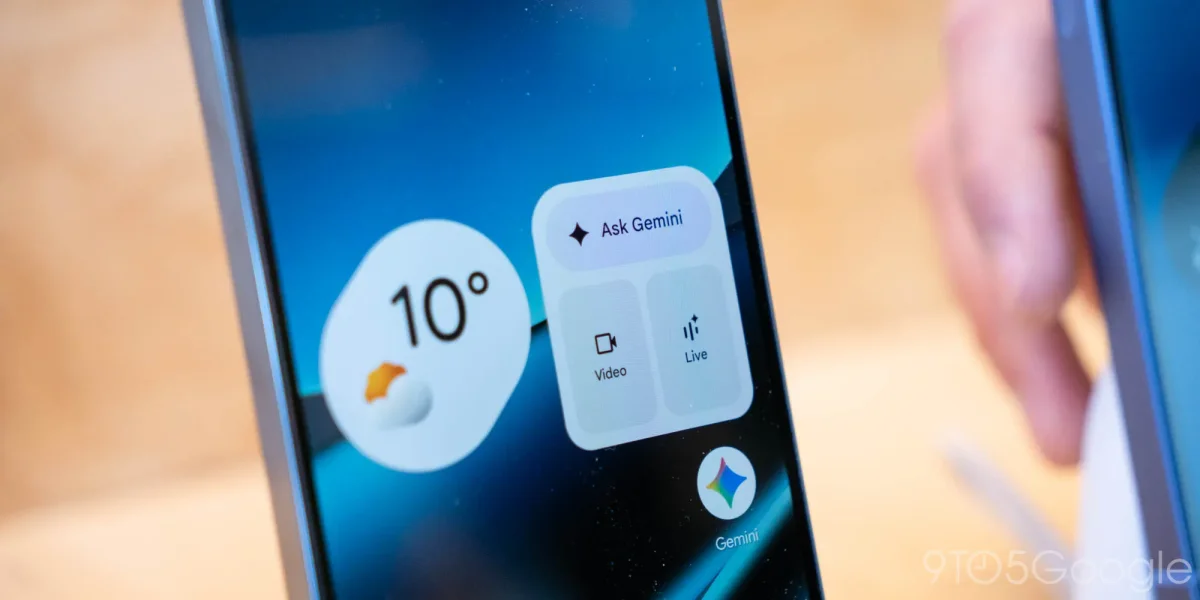

The redesigned voice input feature in the Gemini app for Android is now being widely implemented, enhancing user interaction by adopting elements typical of social messaging applications. This update introduces a waveform display in place of the traditional text field, offering a more visual representation of voice commands.
When users activate the microphone, they will see a pulsating “Send” circle that allows immediate command entry, while a “Stop” button appears once speaking has paused. Users can choose to keep voice input active, seeing their spoken text above the prompt as it transcribes in real-time.
The new feature is part of a larger rollout that includes updates for the Google app’s stable and beta versions, although it has not yet been made available on iOS devices. Users who prefer the previous voice dictation style can still access it via the Gemini overlay or their keyboard.