
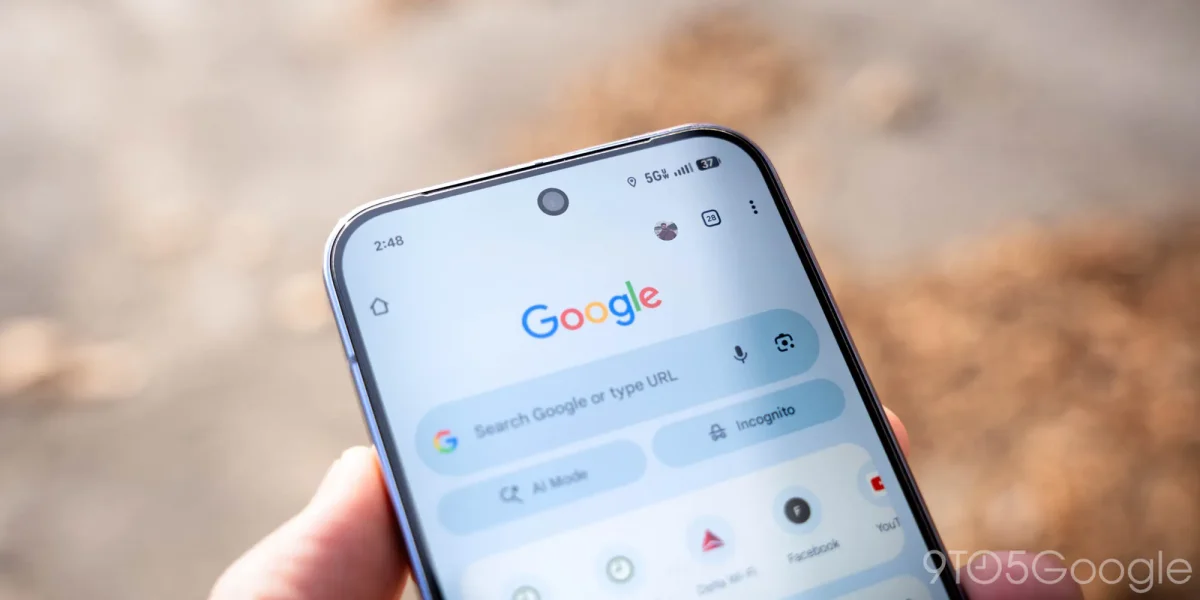

With the launch of version 146 of Chrome for Android, users will see the addition of a bookmarks bar on large-screen devices, enhancing the browser's functionality to resemble its desktop counterpart. This new feature allows bookmarks to be displayed in a streamlined manner, featuring site names alongside their favicons and enabling folders to open inline.
The bookmarks bar's right-facing chevron allows users to access additional bookmarks that may not fit on the screen, while the existing fullscreen browsing interface can be accessed through the “All bookmarks” option. To activate this feature, users must navigate to Settings > Appearance > Show bookmarks bar. However, it will remain hidden on narrower screens, such as smartphones.
For those who do not see the Appearance menu, a quick fix is to force stop Chrome through the App info menu. This update aims to improve the browsing experience on Android tablets and foldables, making it more consistent with the desktop version of Chrome.