

Beta plugin testing made easy with new Obsidian tool, streamlining user experience

Beta plugin testing made easy with new Obsidian tool, streamlining user experience

Obsidian's community has created over 2,700 plugins, but many remain unvetted. The Beta-Reviewer's Auto-Update Tool simplifies testing these early-access plugins, enhancing user experience.

NeboAI I summarize the news with data, figures and context
IN 30 SECONDS

IN 1 SENTENCE

SENTIMENT
Neutral

𒀭
NeboAI is working, please wait...
Preparing detailed analysis
Quick summary completed
Extracting data, figures and quotes...
Identifying key players and context
DETAILED ANALYSIS
SHARE

NeboAI produces automated editions of journalistic texts in the form of summaries and analyses. Its experimental results are based on artificial intelligence. As an AI edition, texts may occasionally contain errors, omissions, incorrect data relationships and other unforeseen inaccuracies. We recommend verifying the content.

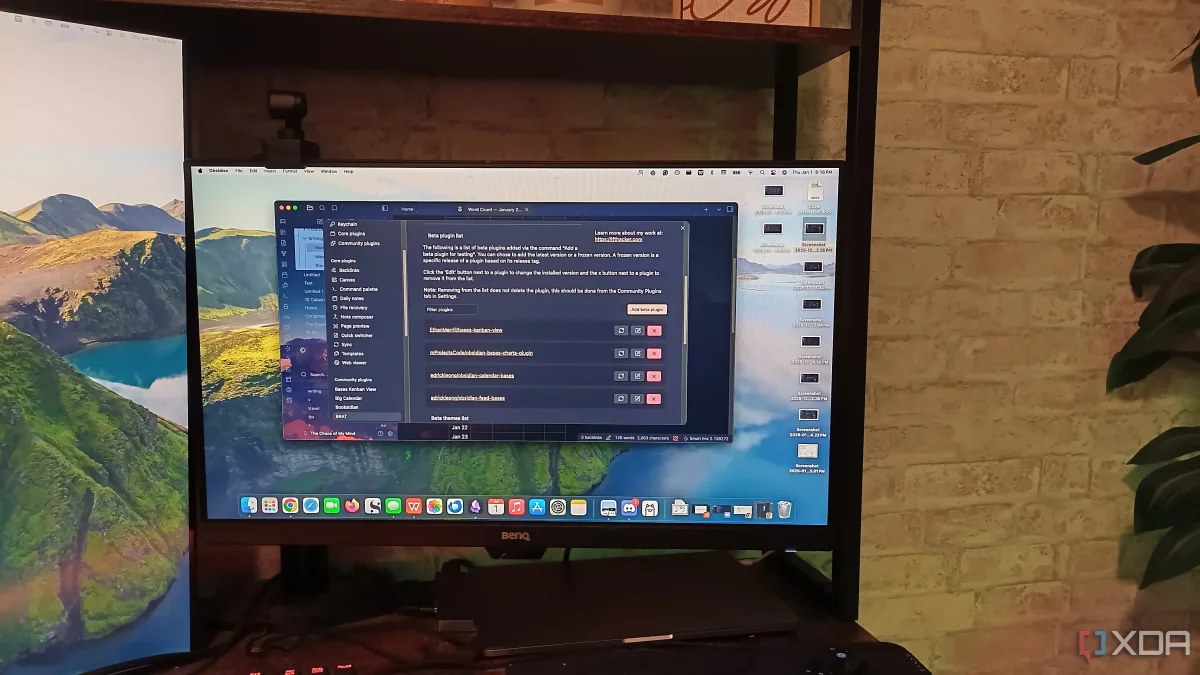
The Obsidian app boasts an impressive array of over 2,700 community plugins, enhancing its core features and providing users with extensive customization options. However, not every plugin is accessible through the official library, which only includes vetted and verified tools. For those looking to experiment with plugins still in beta testing, there is a specialized tool called BRAT, or the Beta-Reviewer's Auto-Update Tool for Obsidian, that simplifies the process of installing these early-access plugins.

To use BRAT, users merely need to copy the GitHub repository link of the desired plugin and paste it into the Obsidian plugin list. This straightforward method allows for easy installation and the option to enable or disable the plugin upon installation. Once added, the plugin becomes available for testing, although users should be cautious of potential performance issues that can arise during beta testing.

BRAT also streamlines the update process for beta plugins. Instead of manually reinstalling updates, users can refresh the plugin with a single click in BRAT's settings. This automated feature alleviates the hassle of keeping plugins current, making it a valuable asset for users keen on exploring the latest tools in Obsidian.

Want to read the full article? Access the original article with all the details.
Read Original Article
TL;DR

This article is an original summary for informational purposes. Image credits and full coverage at the original source. · View Content Policy

Editorial
Editorial Staff

Our editorial team works around the clock to bring you the latest tech news, trends, and insights from the industry. We cover everything from artificial intelligence breakthroughs to startup funding rounds, gadget launches, and cybersecurity threats. Our mission is to keep you informed with accurate, timely, and relevant technology coverage.

Press Enter to search or ESC to close