
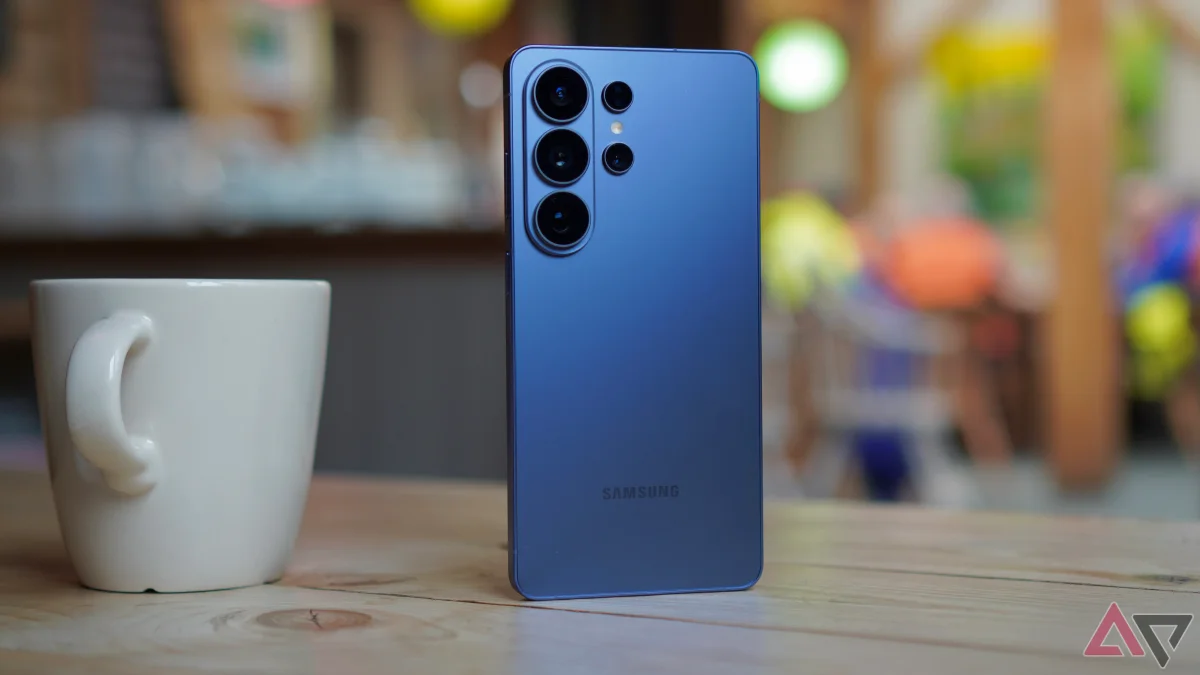

The new Privacy Display feature on the Samsung Galaxy S26 Ultra has garnered mixed reactions, with users finding it both beneficial and challenging. After two days of use, one user noted that while the feature effectively conceals screen content from prying eyes, it can complicate tasks like taking photos when the device is not directly in hand.
Activating the Privacy Display is straightforward via the Quick Settings menu, allowing it to function universally across the device. However, the downside becomes apparent when the screen remains dark unless the phone is picked up, which can hinder quick interactions and sharing content with others. Fortunately, this feature does not interfere with the always-on lock screen, allowing users to check the time and date without disruption.
Samsung has addressed usability concerns by allowing customization of the Privacy Display for specific applications. This enhancement enables users to designate which apps, such as Chrome and Gallery, will activate the feature when opened. This tailored approach significantly improves the overall experience, making the Privacy Display a practical tool rather than a source of frustration.