
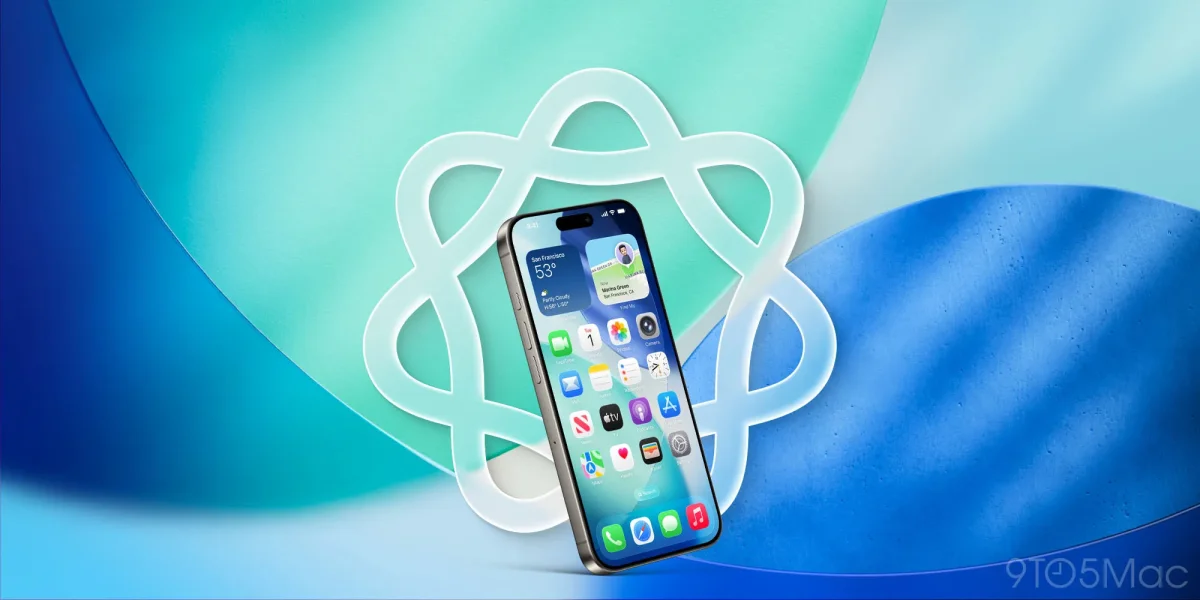

Visual Intelligence in iOS 27: Users Demand Enhanced Features for Everyday Tasks

Visual Intelligence in iOS 27: Users Demand Enhanced Features for Everyday Tasks

iOS 26 introduced three Visual Intelligence features for screenshots, enhancing productivity by enabling quick calendar creation, image searches, and ChatGPT queries—iOS 27 may expand this further.

NeboAI I summarize the news with data, figures and context
IN 30 SECONDS

IN 1 SENTENCE

SENTIMENT
Neutral

𒀭
NeboAI is working, please wait...
Preparing detailed analysis
Quick summary completed
Extracting data, figures and quotes...
Identifying key players and context
DETAILED ANALYSIS
SHARE

NeboAI produces automated editions of journalistic texts in the form of summaries and analyses. Its experimental results are based on artificial intelligence. As an AI edition, texts may occasionally contain errors, omissions, incorrect data relationships and other unforeseen inaccuracies. We recommend verifying the content.

The upcoming release of iOS 27 is generating excitement, particularly regarding enhancements to Apple Intelligence. Expected to debut at WWDC26, the update will showcase new functionalities, including a revamped Siri application and advancements in the Camera app.

Among the notable features introduced in iOS 26 is the expanded Visual Intelligence, which now includes capabilities for screenshots. Users can create calendar events swiftly, search for similar images, and inquire about screenshots using ChatGPT. The integration of these features has reportedly increased engagement with the Calendar app.

Looking ahead, there are suggestions that future iterations may include the ability to convert screenshots into reminders. This proposed functionality would enhance productivity by allowing users to create reminders from text conversations or images quickly, adding a layer of convenience to the Visual Intelligence toolkit.

With the anticipated improvements, Apple aims to elevate the user experience significantly, blending practical tools with enhanced functionality.

Want to read the full article? Access the original article with all the details.
Read Original Article
TL;DR

This article is an original summary for informational purposes. Image credits and full coverage at the original source. · View Content Policy

Editorial
Editorial Staff

Our editorial team works around the clock to bring you the latest tech news, trends, and insights from the industry. We cover everything from artificial intelligence breakthroughs to startup funding rounds, gadget launches, and cybersecurity threats. Our mission is to keep you informed with accurate, timely, and relevant technology coverage.

Press Enter to search or ESC to close