
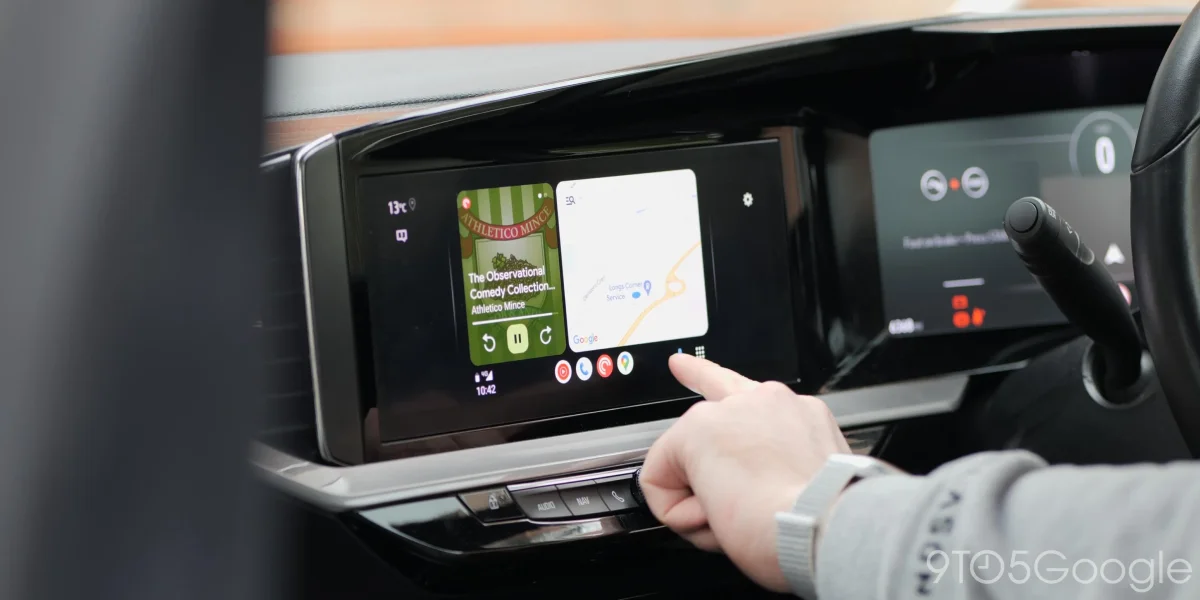

Users frustrated as Android Auto glitch keeps Google Maps in daytime mode after dark

Users frustrated as Android Auto glitch keeps Google Maps in daytime mode after dark

Over a dozen users report Google Maps on Android Auto stuck in bright mode at night, impacting navigation. A fix may require a version rollback, but a widespread solution is needed.

NeboAI I summarize the news with data, figures and context
IN 30 SECONDS

IN 1 SENTENCE

SENTIMENT
Neutral

𒀭
NeboAI is working, please wait...
Preparing detailed analysis
Quick summary completed
Extracting data, figures and quotes...
Identifying key players and context
DETAILED ANALYSIS
SHARE

NeboAI produces automated editions of journalistic texts in the form of summaries and analyses. Its experimental results are based on artificial intelligence. As an AI edition, texts may occasionally contain errors, omissions, incorrect data relationships and other unforeseen inaccuracies. We recommend verifying the content.

Reports indicate that a significant number of users are experiencing issues with Google Maps on Android Auto, as the app remains stuck in a bright day mode during nighttime driving. This problem has been increasingly noted in the past week, with over a dozen complaints emerging on platforms like Reddit and Google’s forums. Users typically expect the app to switch to a dark theme automatically when headlights are activated, a feature that seems to have malfunctioned for many.

While this theme issue appears to be affecting various vehicle brands and phone models, it is not limited to any specific setup, including aftermarket head units. Reports suggest that the glitch may be linked to recent beta updates for either Google Maps or Android Auto. The versions in question include Android Auto 17.0 and 17.1, the latter of which was recently made available to stable users.

For those encountering this problem, rolling back the Android Auto version by uninstalling updates could serve as a temporary solution. Nonetheless, a definitive fix from Google is anticipated to resolve the issue comprehensively.

Want to read the full article? Access the original article with all the details.
Read Original Article
TL;DR

This article is an original summary for informational purposes. Image credits and full coverage at the original source. · View Content Policy

Editorial
Editorial Staff

Our editorial team works around the clock to bring you the latest tech news, trends, and insights from the industry. We cover everything from artificial intelligence breakthroughs to startup funding rounds, gadget launches, and cybersecurity threats. Our mission is to keep you informed with accurate, timely, and relevant technology coverage.

Press Enter to search or ESC to close