
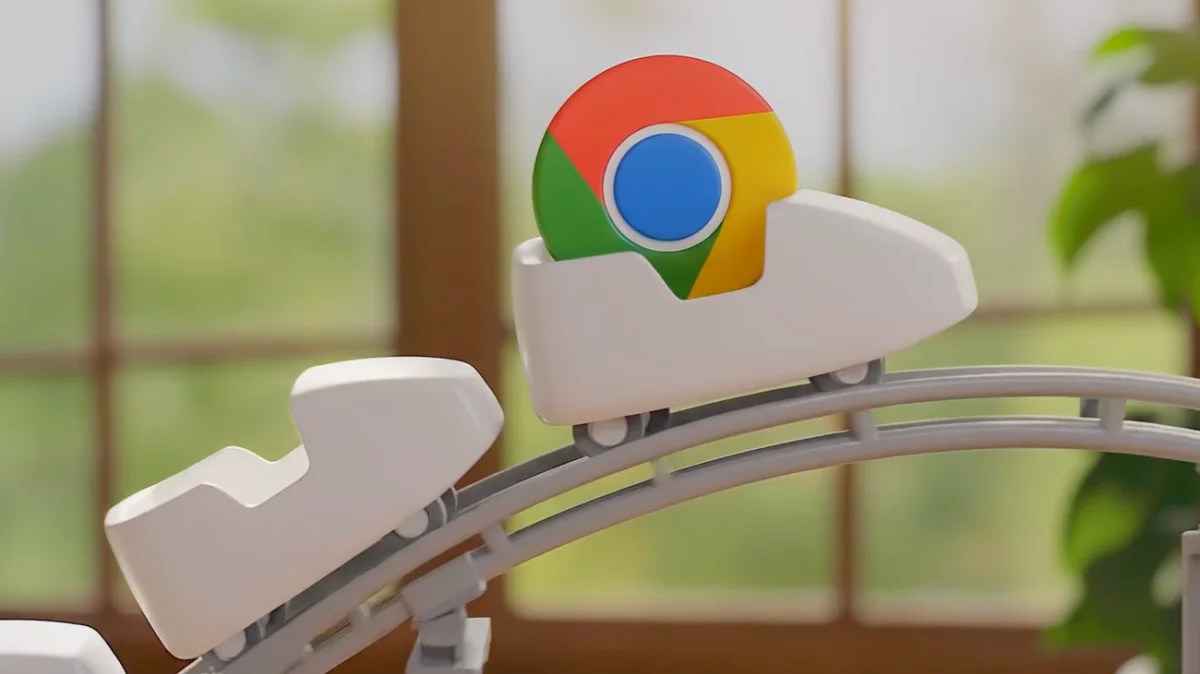

Users Boost Productivity with Chrome's New Gemini 3 Auto Browse Feature

Users Boost Productivity with Chrome's New Gemini 3 Auto Browse Feature

Google's Chrome will soon introduce Personal Intelligence and auto browse, allowing tailored web interactions and task automation for users, enhancing online efficiency and personalization.

NeboAI I summarize the news with data, figures and context
IN 30 SECONDS

IN 1 SENTENCE

SENTIMENT
Neutral

𒀭
NeboAI is working, please wait...
Preparing detailed analysis
Quick summary completed
Extracting data, figures and quotes...
Identifying key players and context
DETAILED ANALYSIS
SHARE

NeboAI produces automated editions of journalistic texts in the form of summaries and analyses. Its experimental results are based on artificial intelligence. As an AI edition, texts may occasionally contain errors, omissions, incorrect data relationships and other unforeseen inaccuracies. We recommend verifying the content.

Chrome will soon incorporate a new feature called Personal Intelligence, aimed at enhancing user experience by providing tailored online interactions. This upgrade follows favorable feedback from users of the Gemini app, which has already implemented similar capabilities. Users will have the option to control their data by choosing whether to connect apps, ensuring a personalized browsing journey.

Additionally, Chrome is launching auto browse, an advanced functionality that goes beyond traditional autofill. This feature enables automation of complex tasks such as vacation planning, where users can research travel options across different dates efficiently. Available to AI Pro and Ultra subscribers in the U.S., auto browse is designed to simplify multi-step processes, making it easier for users to manage activities like scheduling appointments and organizing finances.

Beta testers have experienced various applications for auto browse, including filling out online forms and collecting tax documents. It can also assist with creative projects, such as planning themed parties, by recognizing elements in images and searching for similar items online while staying within budget.

Want to read the full article? Access the original article with all the details.
Read Original Article
TL;DR

This article is an original summary for informational purposes. Image credits and full coverage at the original source. · View Content Policy

Editorial
Editorial Staff

Our editorial team works around the clock to bring you the latest tech news, trends, and insights from the industry. We cover everything from artificial intelligence breakthroughs to startup funding rounds, gadget launches, and cybersecurity threats. Our mission is to keep you informed with accurate, timely, and relevant technology coverage.

Press Enter to search or ESC to close