
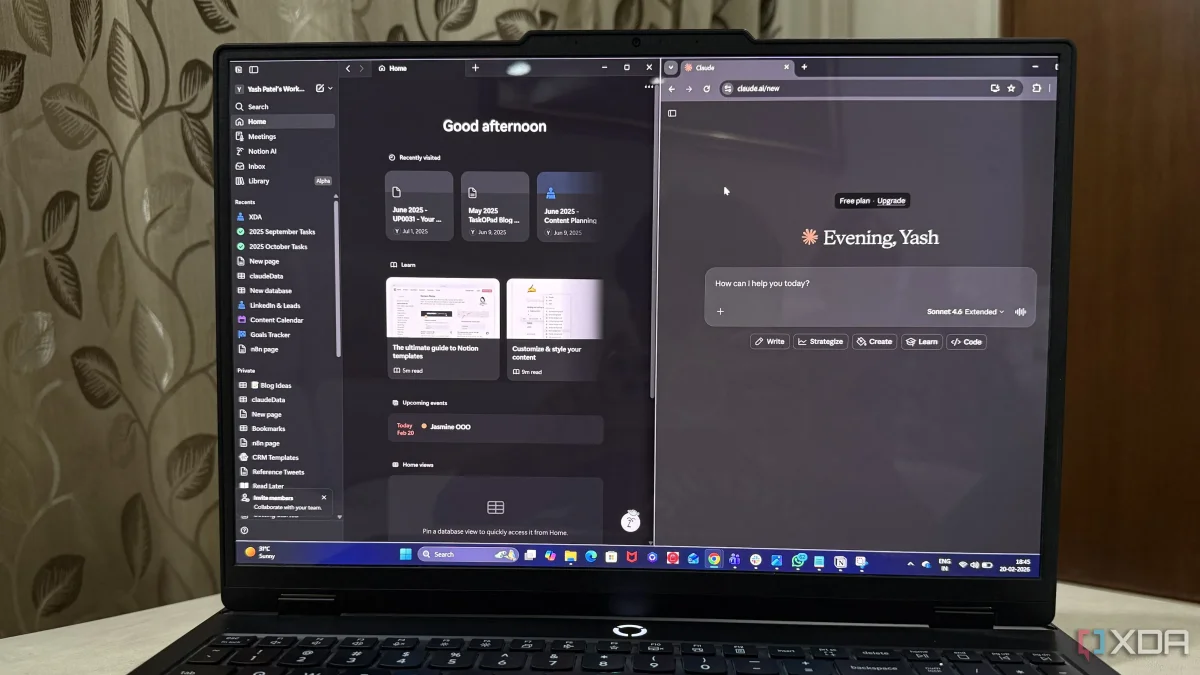

The integration of Claude with Notion aims to enhance productivity for users by streamlining workflows and reducing the need for repeated context input. This connection allows Claude to access information directly from the Notion workspace, which is particularly beneficial for freelancers managing multiple tasks and information sources.
To initiate the connection, users must first set up permissions on both platforms. The process begins within Notion, where users navigate to the Settings menu and select Connections. There, they can find the option to connect with Claude. Following this, users log into their Claude account, access the Settings, and browse for the Notion integration under the Connectors section.
Once the integration is initiated, users are redirected to the Notion login page to authorize access. This step ensures that Claude can effectively retrieve and utilize content from the selected Notion workspace, ultimately optimizing the user's workflow and enabling smoother operations.