
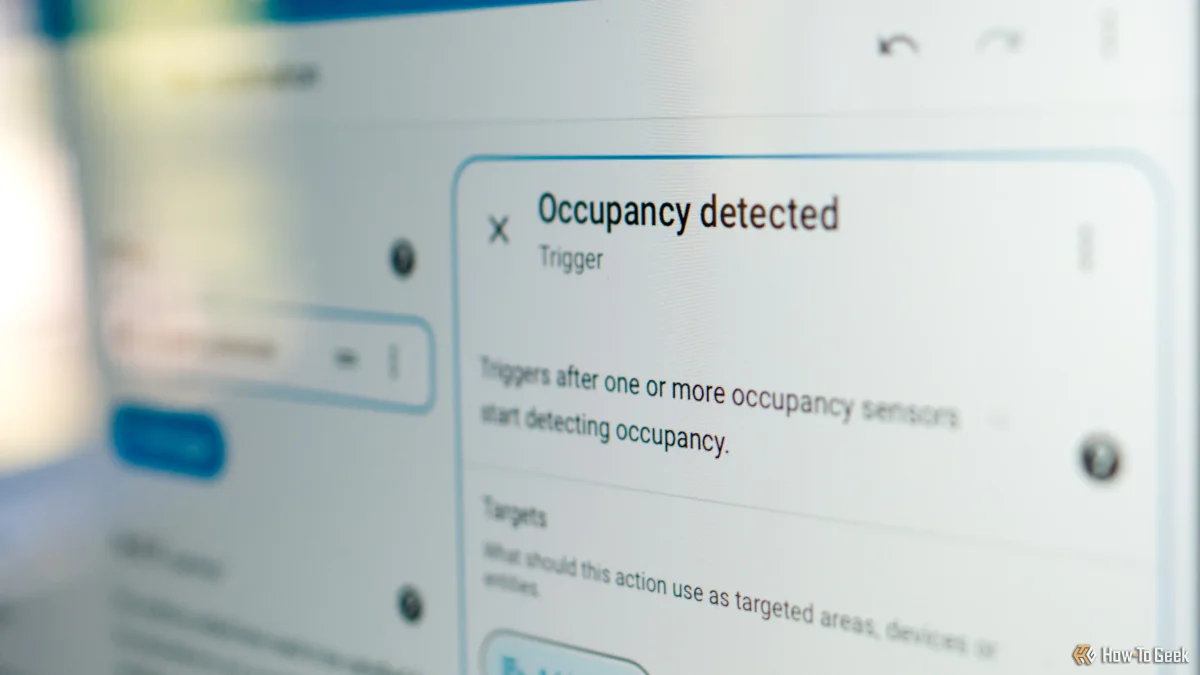

Home Assistant users can now create automations without writing any code, thanks to advancements in its automation editor. This tool offers a variety of actions, making it easier to manage notifications across multiple devices.
One effective method for handling notifications is to use scripts. Instead of adding separate notification actions for each device, users can create a script that sends messages to all devices simultaneously. This approach simplifies updates; changes to the script will automatically apply to all automations that reference it, streamlining the management process.
To create a script, navigate to Settings > Automation & Scenes > Scripts and select the "Create script" button. Users can define required fields, such as notification content, making automation creation more efficient.
Additionally, the "choose" action allows users to set multiple conditions for their automations. This feature enables the execution of different sets of actions based on specific conditions, further enhancing the flexibility and functionality of Home Assistant automations.