
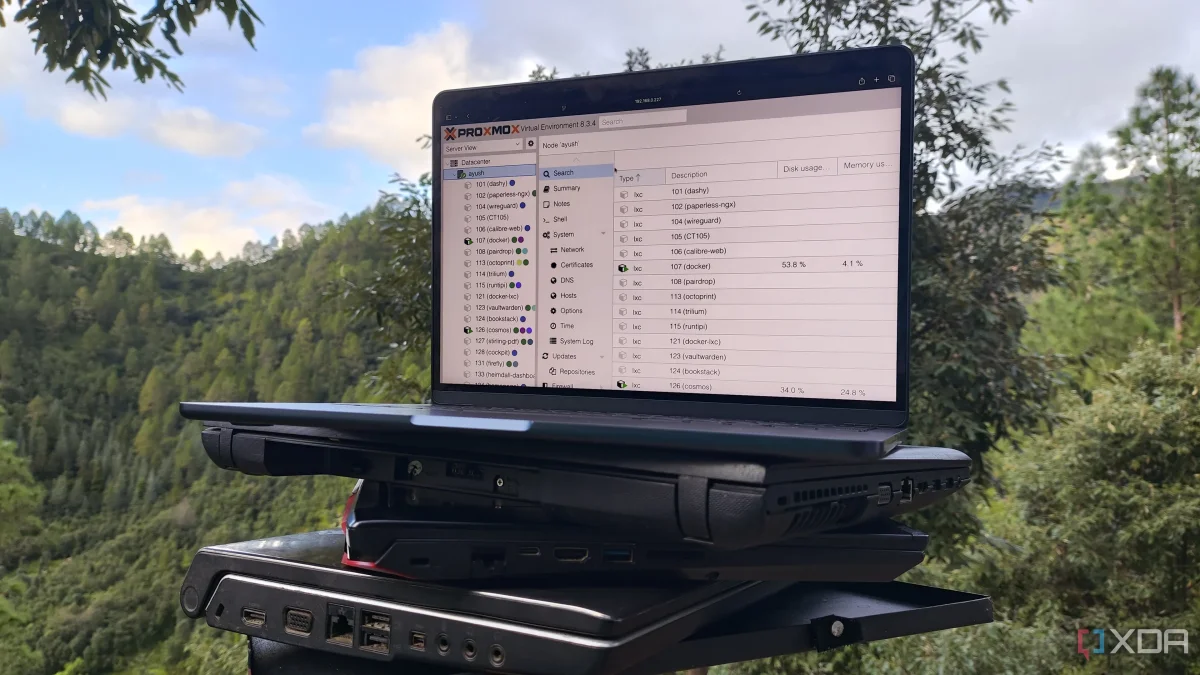

Transform Your Old Laptop into a Home Server: 5 Proxmox Hacks to Boost Performance

Transform Your Old Laptop into a Home Server: 5 Proxmox Hacks to Boost Performance

Utilizing Proxmox, even outdated devices can efficiently host 10+ Linux containers, maximizing resources and reducing waste. Discover how to revitalize your old tech.

NeboAI I summarize the news with data, figures and context
IN 30 SECONDS

IN 1 SENTENCE

SENTIMENT
Neutral

𒀭
NeboAI is working, please wait...
Preparing detailed analysis
Quick summary completed
Extracting data, figures and quotes...
Identifying key players and context
DETAILED ANALYSIS
SHARE

NeboAI produces automated editions of journalistic texts in the form of summaries and analyses. Its experimental results are based on artificial intelligence. As an AI edition, texts may occasionally contain errors, omissions, incorrect data relationships and other unforeseen inaccuracies. We recommend verifying the content.

Utilizing older hardware for home labs has become increasingly popular among tech enthusiasts. A notable example is the use of Proxmox, a versatile platform that can efficiently operate on devices such as mini-PCs, Intel N100 systems, and even obsolete laptops. By repurposing older machines, users can create effective experimentation nodes instead of letting devices collect dust.

Proxmox's support for Linux Containers (LXCs) is a key advantage, allowing users to run containers directly on the host without the overhead of a virtual machine. This approach is particularly beneficial for laptops, as LXCs are lighter on system resources compared to traditional virtual machines. In practical terms, a Lenovo G510 from 2014, which struggled to run a single GUI-based Debian VM due to hardware limitations, can effectively manage over ten LXCs.

For users looking to enhance their home lab setups, employing ZFS for storage is a common strategy, despite its high memory requirements. While Proxmox typically utilizes XFS for standard Logical Volume Management (LVM), it also permits the creation of ZFS pools, providing users with advanced features. However, ZFS's resource demands must be carefully considered to avoid impacting virtual guest performance.

Want to read the full article? Access the original article with all the details.
Read Original Article
TL;DR

This article is an original summary for informational purposes. Image credits and full coverage at the original source. · View Content Policy

Editorial
Editorial Staff

Our editorial team works around the clock to bring you the latest tech news, trends, and insights from the industry. We cover everything from artificial intelligence breakthroughs to startup funding rounds, gadget launches, and cybersecurity threats. Our mission is to keep you informed with accurate, timely, and relevant technology coverage.

Press Enter to search or ESC to close