
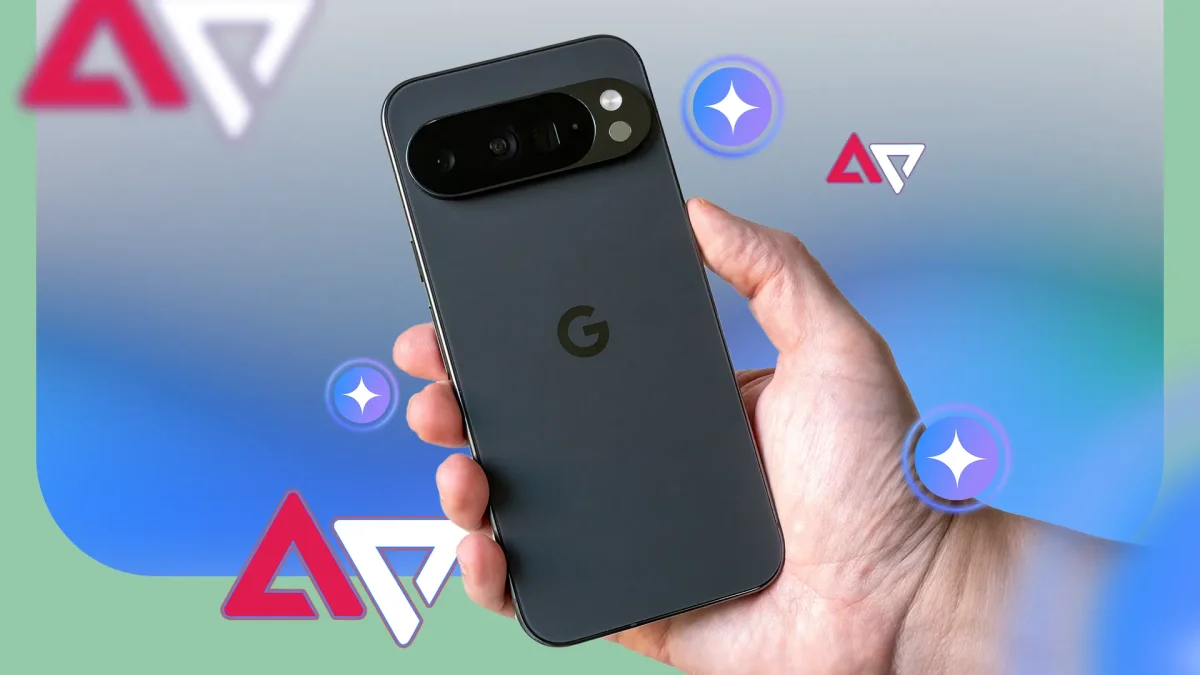

Gemini is now equipped to perform multiple tasks autonomously, facilitating a seamless user experience on devices like the Pixel 10 series. This feature, first introduced by Google in February, has been further clarified during Samsung's Unpacked event and detailed in the March 2026 Pixel Drop. Users with Android 16 QPR3 can activate this capability by accessing the Gemini app and navigating to the screen automation settings.
Screen automation enables users to streamline everyday tasks, such as ordering food, booking transportation, or adding items to a shopping cart. While the tool handles most of the process independently, it requires user intervention for final confirmations, allowing for multitasking while ensuring critical decisions remain in the user's hands. For instance, it can initiate a coffee order or arrange a ride while the phone user attends to other activities.
Users should be aware that during the automation process, Gemini captures screenshots of the app's content, which are reviewed to enhance Google services if the Keep Activity feature is enabled. This functionality positions Gemini as a personal assistant, capable of simplifying repetitive tasks without demanding full attention.