
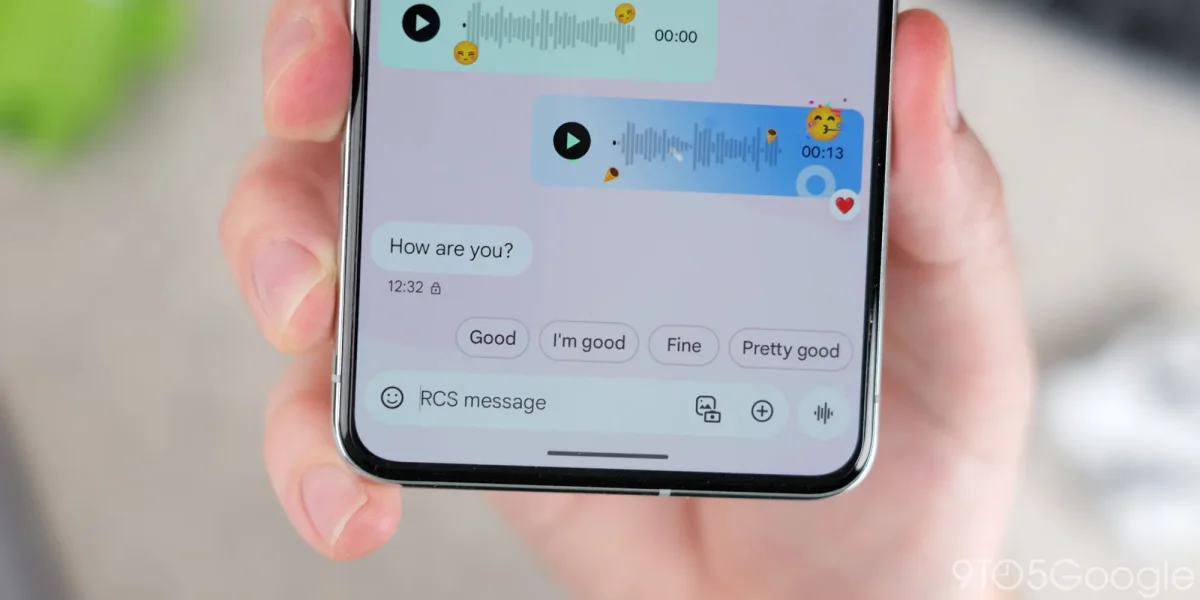

A new feature is set to improve user experience in Google Messages, allowing users to edit Smart Replies before sending. Currently, tapping on a Smart Reply sends the suggestion instantly, but the beta version 20260113_01_RC00 introduces a “Tap to Edit” option, enabling users to modify their message drafts.
This enhancement aims to reduce accidental messages by placing the suggested reply directly in the compose field for further customization. Although the feature is not yet available, users can currently enable or disable Smart Replies through the Settings > Suggestions menu.
This information comes from an APK Insight analysis, which dissects the latest application updates from Google. Future features are not guaranteed to be released, but the insights provide a glimpse into potential improvements on the platform.