
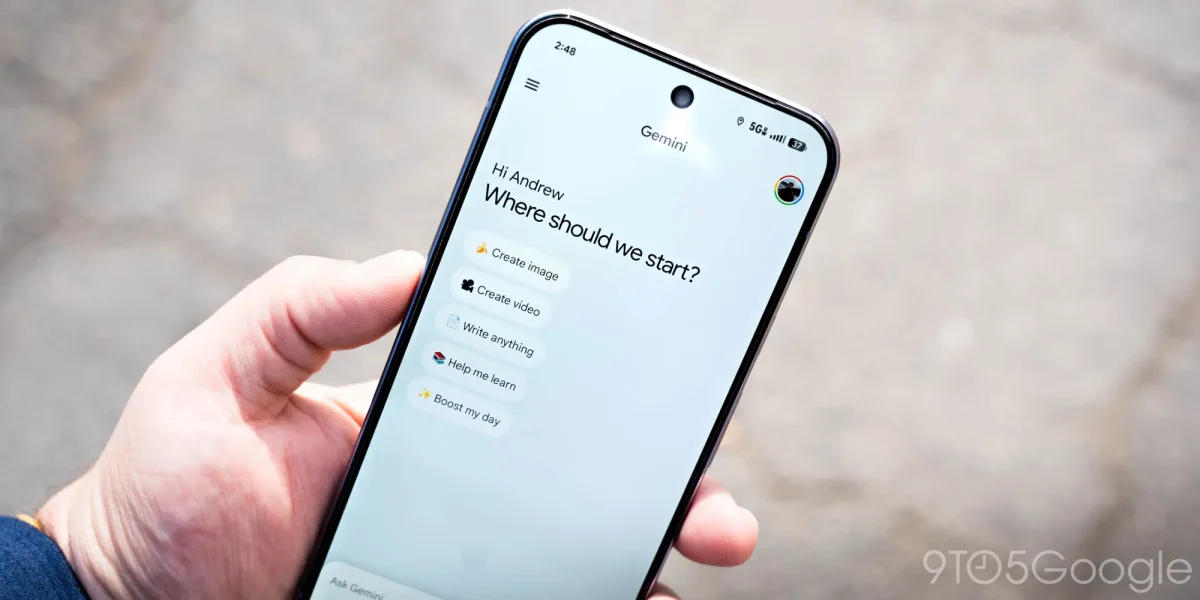

The integration of NotebookLM has officially launched within the Gemini app for Android users, coinciding with the release of version 17.2 of the Google app. The redesign introduces a new standard list format for the interface, replacing the previous pill-shaped buttons for Camera, Gallery, Files, and Drive. This update aligns with the layout previously established by the Gemini overlay on Android.
Users can now access a fullscreen “Add notebook” page by tapping the NotebookLM feature, which adds the collection directly to the prompt box. Although the full rollout is still pending, the NotebookLM shortcut in the account menu has been made available to all users.
In addition to this, the Google app has refreshed the AI Mode homepage across both Android and iOS, updating the greeting to “Hi [name], what’s on your mind?” This change reflects last month’s web update. Upcoming enhancements for the Gemini app include ‘Thinking Mode’ and ‘Experimental Features’, as well as the introduction of ‘Answer now’ to facilitate quicker responses.