
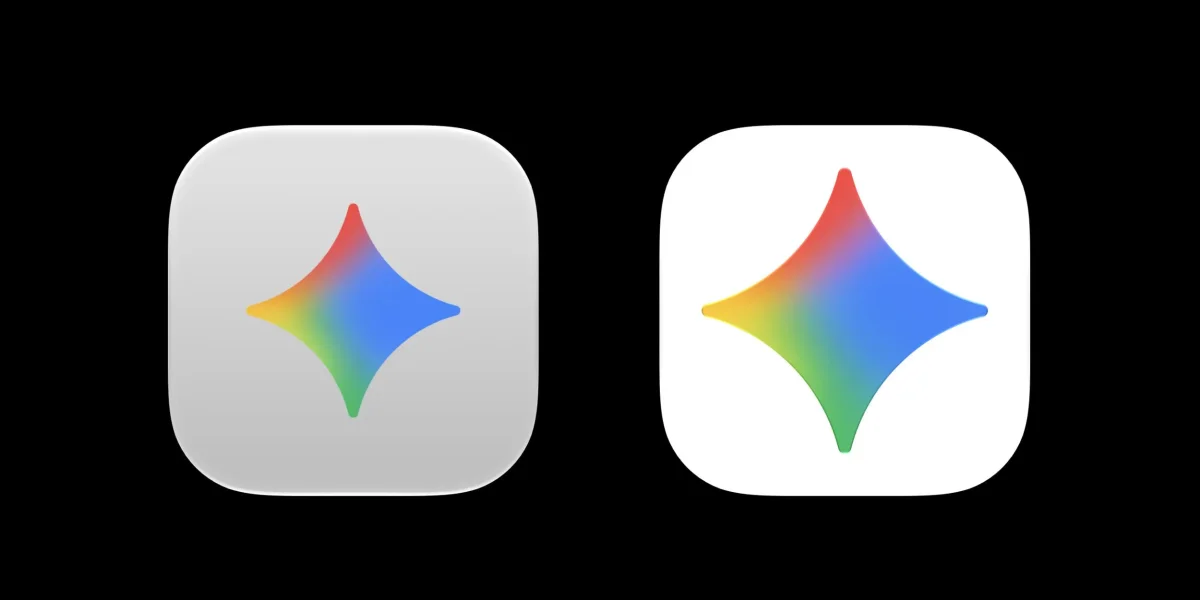

Today marks the release of version 1.72.2.419 of the Gemini app for macOS, featuring several significant updates. Notably, the app icon has transitioned from a muted gray background to a brighter white, aligning with its appearance on other platforms like iOS and Android. The Gemini spark has also been enlarged, enhancing its visibility.
In addition to visual changes, the sidebar's Library icon has been revamped for better consistency across devices. Other interface improvements include the resizing of buttons in the top-right corner, specifically for Temporary chat and Minimize functions. The Settings menu has been reorganized from a lengthy single page into a side panel that segments preferences into categories such as Appearance, Shortcuts, and Personal Intelligence.
Furthermore, Google has introduced a new functionality that allows users to press both Command ⌘ keys simultaneously to attach their active window to the chat, streamlining the process of sharing content without the need for screenshots. A more comprehensive redesign is anticipated later this summer, which will likely include additional voice features and enhancements introduced at I/O 2026.