
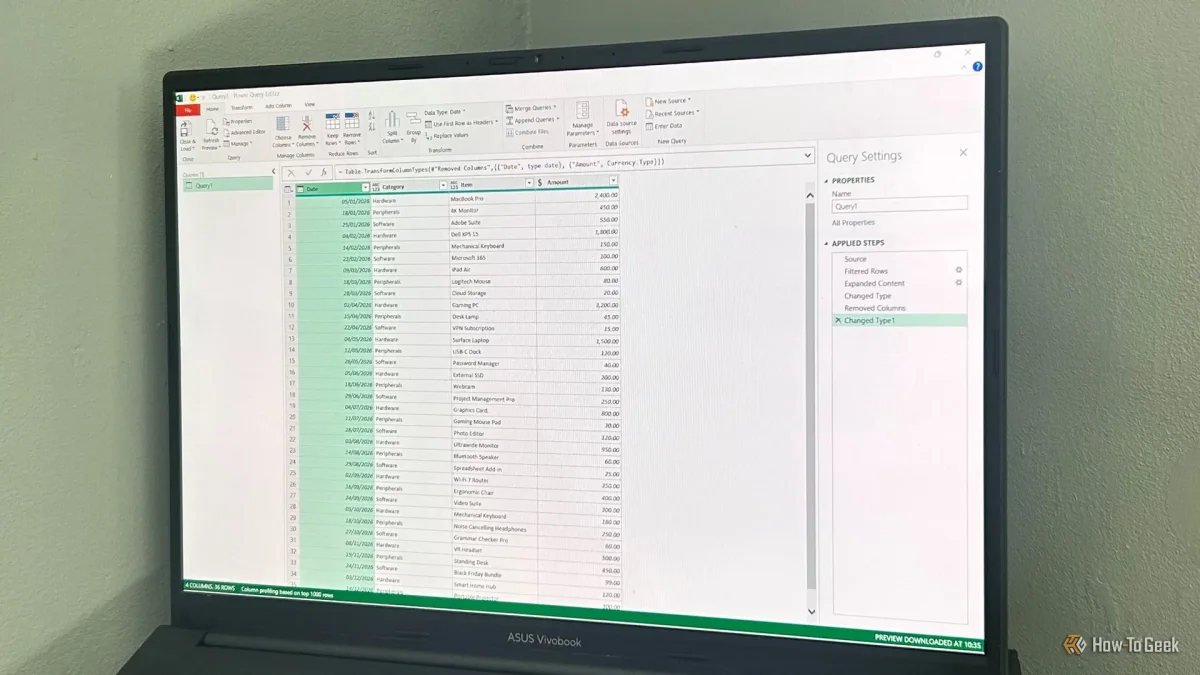

Power Query, a feature in Excel, streamlines the process of cleaning up CSV files, making it significantly quicker and easier. Users often face challenges with CSV data, such as loss of leading zeros and incorrect date formats, which can lead to time-consuming manual corrections. By utilizing Power Query, these issues can be addressed automatically, allowing for efficient data management.
The process begins by importing CSV files through Excel's data tools, rather than opening them directly. Users should navigate to the Data tab, select Get Data, and choose From Text/CSV to start. After selecting the file, they can review the data preview and adjust the delimiter if necessary before transforming the data in the Power Query Editor.
Once in the Power Query Editor, users can rectify common formatting issues with just a few clicks. This tool preserves the original CSV file, as it only works on a copy, making it possible to save transformation steps for future use. By refreshing the query, Excel will automatically apply previous cleaning steps, simplifying the workflow and reducing repetitive tasks.