
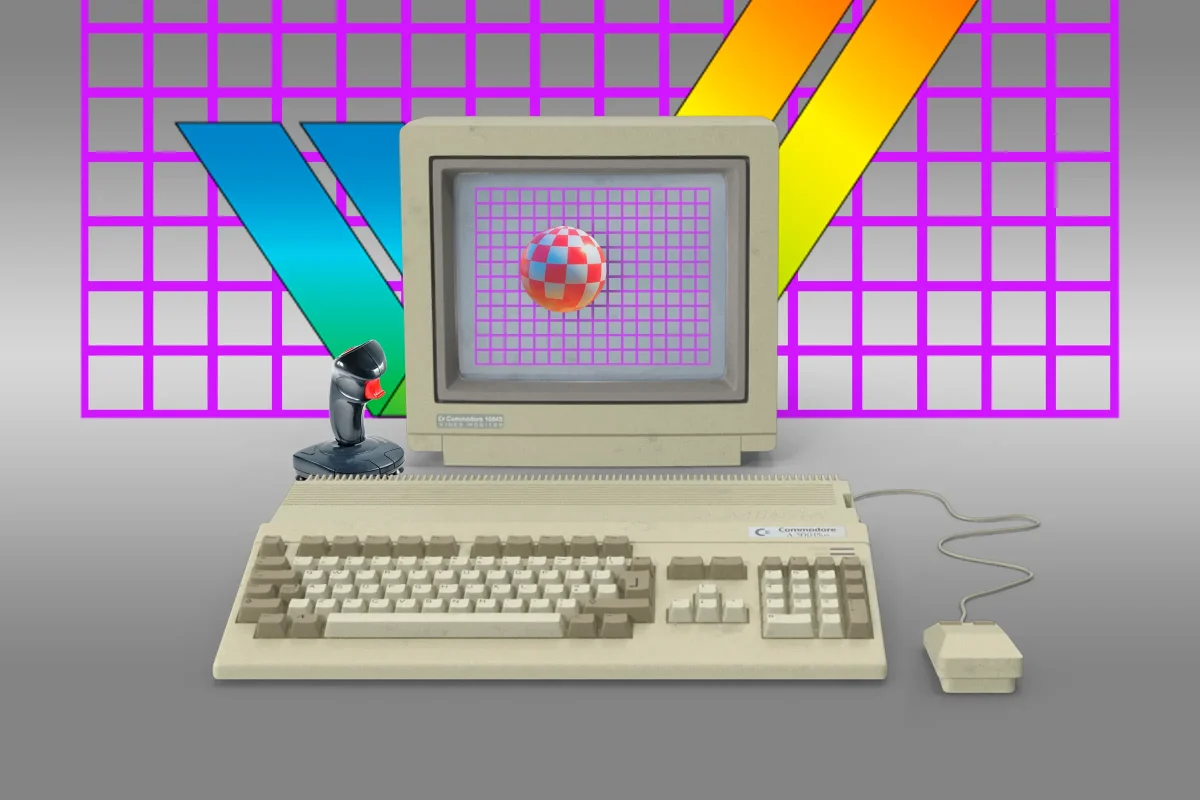

Amiga Filesystem Gains Traction on Linux and Mac: What This Means for Users

Amiga Filesystem Gains Traction on Linux and Mac: What This Means for Users

A new FUSE driver called 'amifuse' enables mounting Amiga's PFS3 disk images on macOS and Linux, enhancing compatibility for retro computing enthusiasts. How will it perform?

NeboAI I summarize the news with data, figures and context
IN 30 SECONDS

IN 1 SENTENCE

SENTIMENT
Neutral

𒀭
NeboAI is working, please wait...
Preparing detailed analysis
Quick summary completed
Extracting data, figures and quotes...
Identifying key players and context
DETAILED ANALYSIS
SHARE

NeboAI produces automated editions of journalistic texts in the form of summaries and analyses. Its experimental results are based on artificial intelligence. As an AI edition, texts may occasionally contain errors, omissions, incorrect data relationships and other unforeseen inaccuracies. We recommend verifying the content.

The newly developed amifuse project introduces a filesystem driver designed for compatibility with Amiga disk images on modern systems. This driver, which operates on macOS and Linux, utilizes an invisible m68k CPU emulator to enable the mounting of disk images formatted with the Amiga's Professional File System 3 (PFS3), a proprietary format that was open-sourced in 2011. Though initial support is read-only, users can enable experimental read-write functionality via command-line options.

Accessing Amiga files on contemporary machines has been a challenge, particularly since the Linux kernel offers limited support for older Amiga filesystems, excluding PFS3. The driver does not rely on reverse-engineering but rather runs the AmigaOS PFS3 driver within a CPU emulation environment, ensuring high compatibility. Users must also install macFUSE or FUSE for Linux and have Python and 7z tools ready for the build process, as pre-compiled binaries are not yet available.

Despite its potential, the amifuse driver is currently reported to be "incredibly slow," with concerns about high CPU usage when indexing files through Finder or Spotlight. As a result, users with physical Amiga hardware will need to create disk images before these can be utilized with the driver.

Want to read the full article? Access the original article with all the details.
Read Original Article
TL;DR

This article is an original summary for informational purposes. Image credits and full coverage at the original source. · View Content Policy

Editorial
Editorial Staff

Our editorial team works around the clock to bring you the latest tech news, trends, and insights from the industry. We cover everything from artificial intelligence breakthroughs to startup funding rounds, gadget launches, and cybersecurity threats. Our mission is to keep you informed with accurate, timely, and relevant technology coverage.

Press Enter to search or ESC to close