
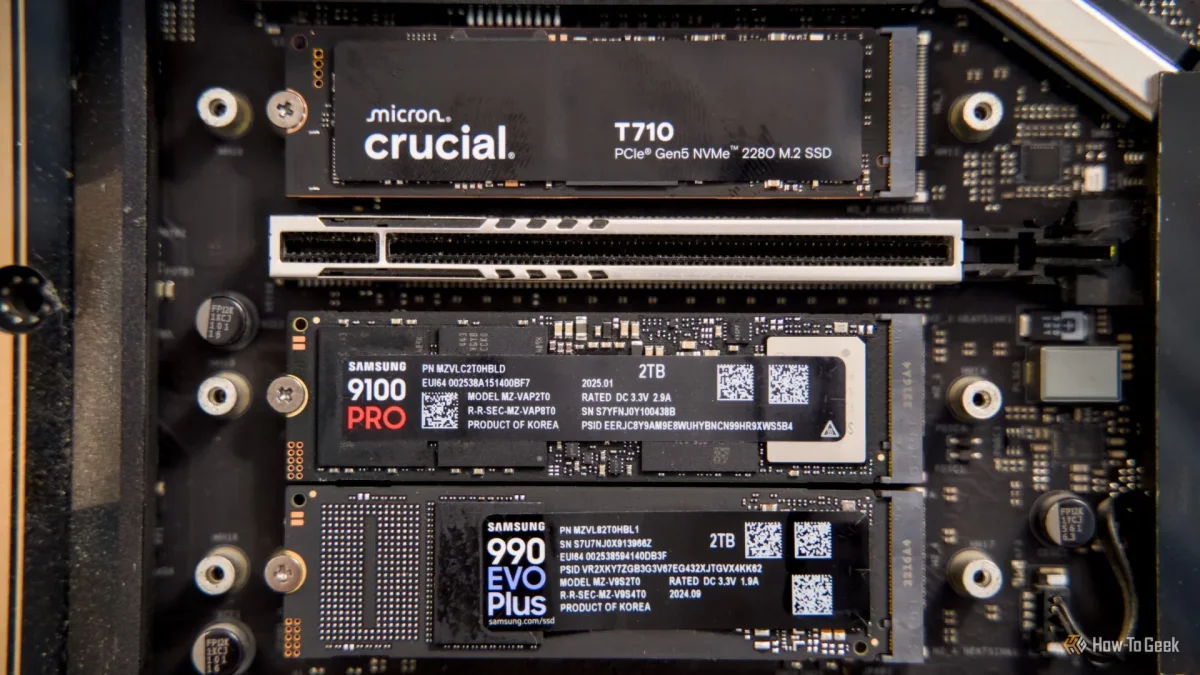

Prevent SSD Overheating: Simple $5 Solution Could Save Your Data Today

Prevent SSD Overheating: Simple $5 Solution Could Save Your Data Today

Overheating NVMe SSDs can reach damaging temperatures of 85°C to 90°C during heavy tasks, risking performance loss and drive failure—an often overlooked issue for gamers.

NeboAI I summarize the news with data, figures and context
IN 30 SECONDS

IN 1 SENTENCE

SENTIMENT
Neutral

𒀭
NeboAI is working, please wait...
Preparing detailed analysis
Quick summary completed
Extracting data, figures and quotes...
Identifying key players and context
DETAILED ANALYSIS
SHARE

NeboAI produces automated editions of journalistic texts in the form of summaries and analyses. Its experimental results are based on artificial intelligence. As an AI edition, texts may occasionally contain errors, omissions, incorrect data relationships and other unforeseen inaccuracies. We recommend verifying the content.

Overheating poses a serious risk to the performance and lifespan of NVMe SSDs, especially in high-demand environments like gaming PCs. Many users may be unaware that running these drives without heatsinks can lead to significant thermal issues. Modern M.2 NVMe drives, particularly the faster PCIe Gen 4 and Gen 5 models, can reach critical temperatures that exceed safe operating limits during intense tasks.

For example, a stress test conducted by JayzTwoCents revealed that the Samsung 990 Pro 1TB PCIe Gen 4 NVMe quickly reached temperatures between 85°C and 90°C, levels that could result in damage over time. While typical workloads may not trigger such extremes, gaming or transferring large files can elevate temperatures to dangerous thresholds. The heat generated not only affects the NVMe itself but can be exacerbated by the proximity to the CPU and GPU within the system.

If users experience degraded loading times or slower file transfer speeds, it might indicate overheating. Without visible warning signs, many may overlook this critical issue until it impacts their NVMe's performance significantly. Implementing a cooling solution is essential to prevent potential damage and ensure optimal functionality.

Want to read the full article? Access the original article with all the details.
Read Original Article
TL;DR

This article is an original summary for informational purposes. Image credits and full coverage at the original source. · View Content Policy

Editorial
Editorial Staff

Our editorial team works around the clock to bring you the latest tech news, trends, and insights from the industry. We cover everything from artificial intelligence breakthroughs to startup funding rounds, gadget launches, and cybersecurity threats. Our mission is to keep you informed with accurate, timely, and relevant technology coverage.

Press Enter to search or ESC to close