
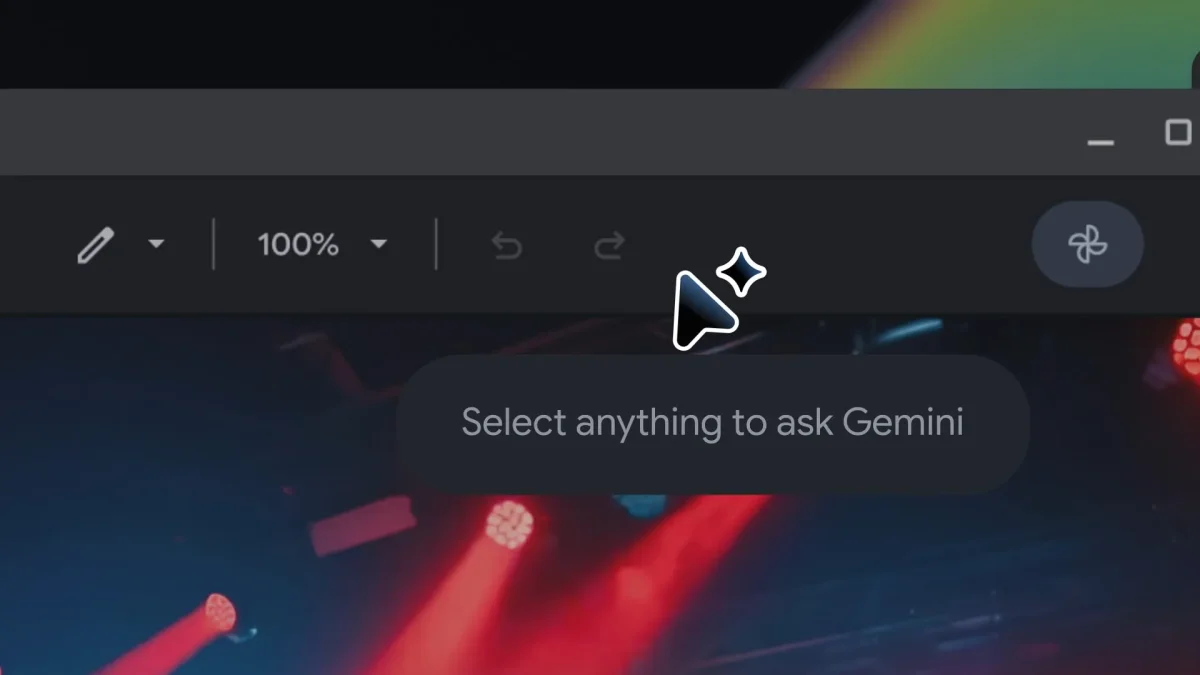

Googlebook's 'Magic Pointer' set to revolutionize user interaction in Chrome and Gemini

Googlebook's 'Magic Pointer' set to revolutionize user interaction in Chrome and Gemini

Google's new AI pointer, developed with DeepMind, allows users to interact with digital content seamlessly, revolutionizing how we access information and enhance productivity.

NeboAI I summarize the news with data, figures and context
IN 30 SECONDS

IN 1 SENTENCE

SENTIMENT
Neutral

𒀭
NeboAI is working, please wait...
Preparing detailed analysis
Quick summary completed
Extracting data, figures and quotes...
Identifying key players and context
DETAILED ANALYSIS
SHARE

NeboAI produces automated editions of journalistic texts in the form of summaries and analyses. Its experimental results are based on artificial intelligence. As an AI edition, texts may occasionally contain errors, omissions, incorrect data relationships and other unforeseen inaccuracies. We recommend verifying the content.

Google DeepMind has introduced an innovative AI feature known as the Magic Pointer, which aims to transform user interactions across various tools. The technology seeks to eliminate the need for users to manually input information by allowing them to engage with their environment intuitively. For instance, a user could point at an image and effortlessly request directions, as the system is designed to grasp the context of the request.

This new capability is part of a broader goal to enhance efficiency and user experience by reducing reliance on lengthy text prompts. By integrating visual and semantic understanding, the AI-enabled pointer can provide responses to complex queries in a simplified manner. Use cases include generating summaries from PDFs, creating pie charts from statistical tables, or doubling ingredients from a highlighted recipe.

Currently, Google has launched two demos showcasing the AI-enabled pointer in its AI Studio: one for editing images and another for locating places on a map. Additionally, users will soon be able to use this feature in Chrome to interact with webpage content, paving the way for a more seamless browsing experience.

Want to read the full article? Access the original article with all the details.
Read Original Article
TL;DR

This article is an original summary for informational purposes. Image credits and full coverage at the original source. · View Content Policy

Editorial
Editorial Staff

Our editorial team works around the clock to bring you the latest tech news, trends, and insights from the industry. We cover everything from artificial intelligence breakthroughs to startup funding rounds, gadget launches, and cybersecurity threats. Our mission is to keep you informed with accurate, timely, and relevant technology coverage.

Press Enter to search or ESC to close