
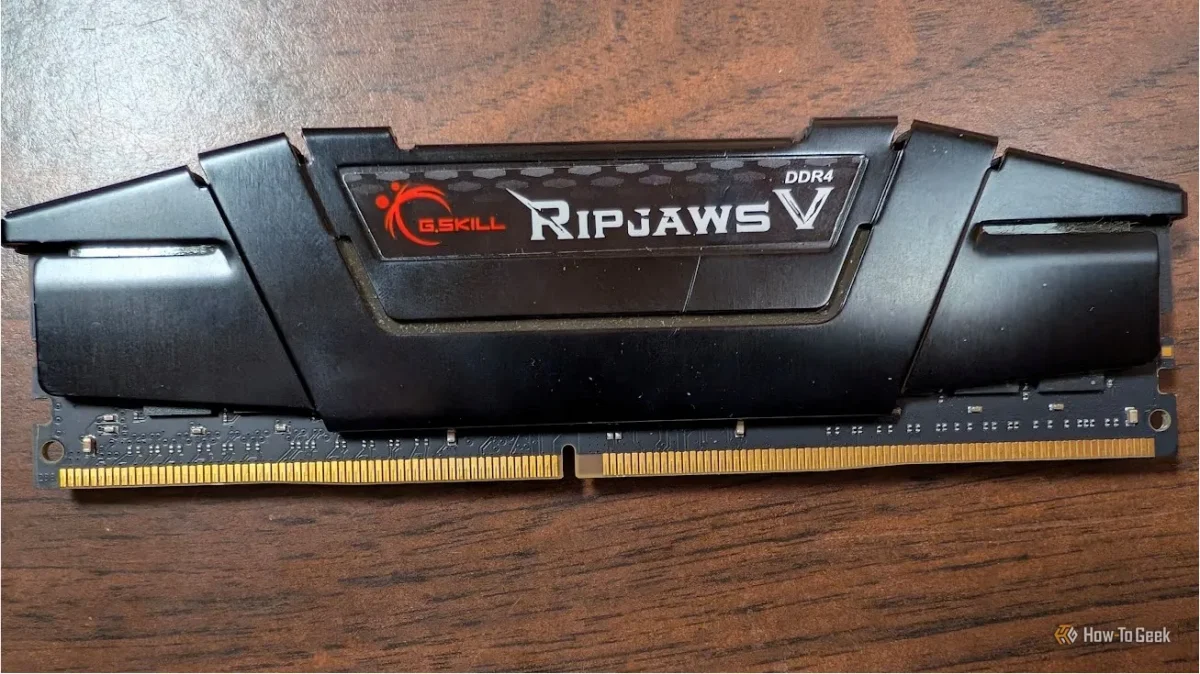

Understanding Windows memory management reveals that RAM usage is more complex than it appears at first glance. Users often misinterpret the figures shown in Task Manager, which can indicate high usage even when additional memory is available. This misunderstanding can lead to unnecessary upgrades, especially during a time when the cost of RAM has significantly increased due to the ongoing "RAM-pocalypse."
When examining the memory categories, "in use" memory includes not just active applications but also cached data and compressed memory. Windows efficiently allocates memory, allowing it to handle various tasks without immediate need for more physical RAM. The "available" memory is ready for use, while "committed" memory shows what has been promised to applications, even if it isn't currently in physical RAM.
Furthermore, cached memory allows Windows to optimize performance by storing frequently accessed data. This system enables noticeable speed improvements when comparing systems with different RAM capacities, as more memory allows for increased caching, enhancing the user experience.