
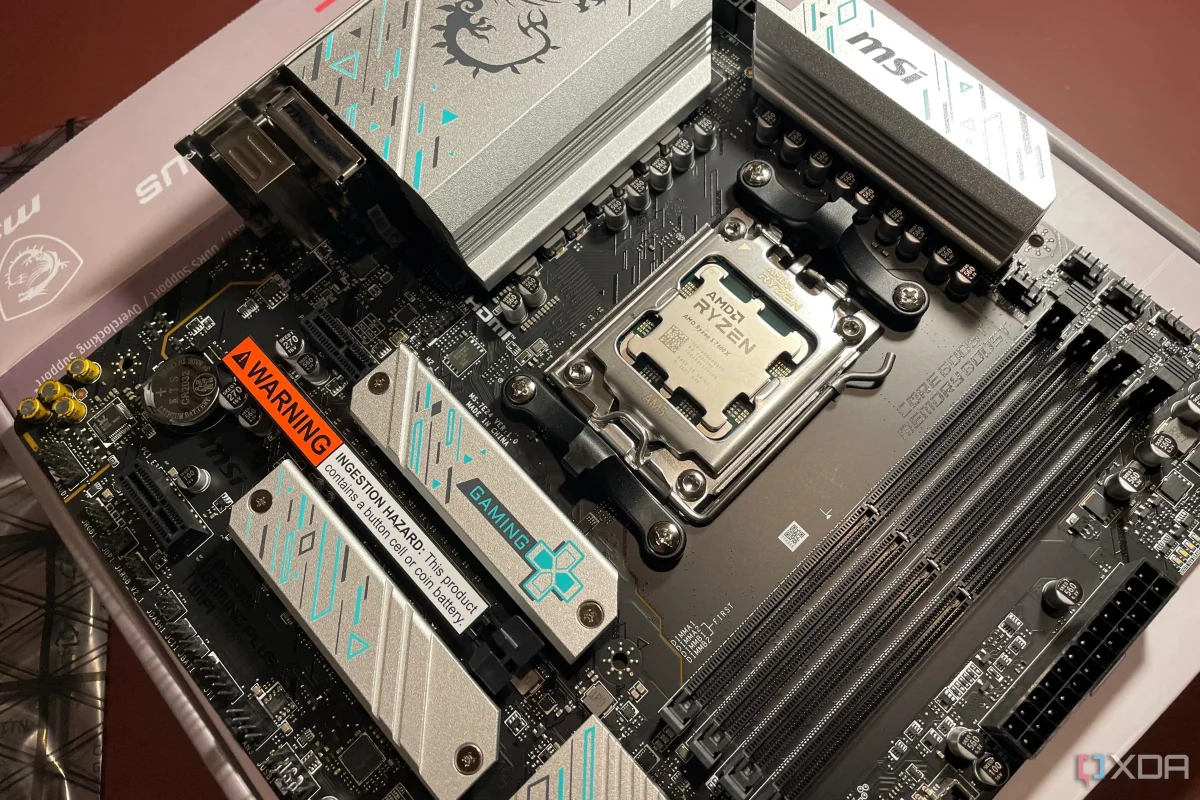

Performance optimization for PC hardware often hinges on the proper configuration of BIOS settings, which are commonly overlooked by users. Many individuals only access the BIOS during the initial setup, neglecting to revisit it despite potential changes in hardware. This oversight can result in a performance deficit, particularly when newer components, such as CPUs or GPUs, are added to older motherboards.
When hardware is upgraded, motherboards may revert to default settings to ensure system stability, but these defaults may not leverage the full capabilities of the new components. For instance, leaving the Compatibility Support Module (CSM) enabled can inhibit modern functionalities, such as Resizable BAR, which allows for more efficient memory access. Consequently, this can lead to a notable decline in performance, as the GPU may only access memory in limited chunks rather than utilizing the entire VRAM buffer at once.
To maximize the efficiency of upgraded systems, users are encouraged to regularly review and adjust their BIOS settings. By doing so, they can avoid unnecessary performance bottlenecks and ensure that their hardware operates at its full potential.