
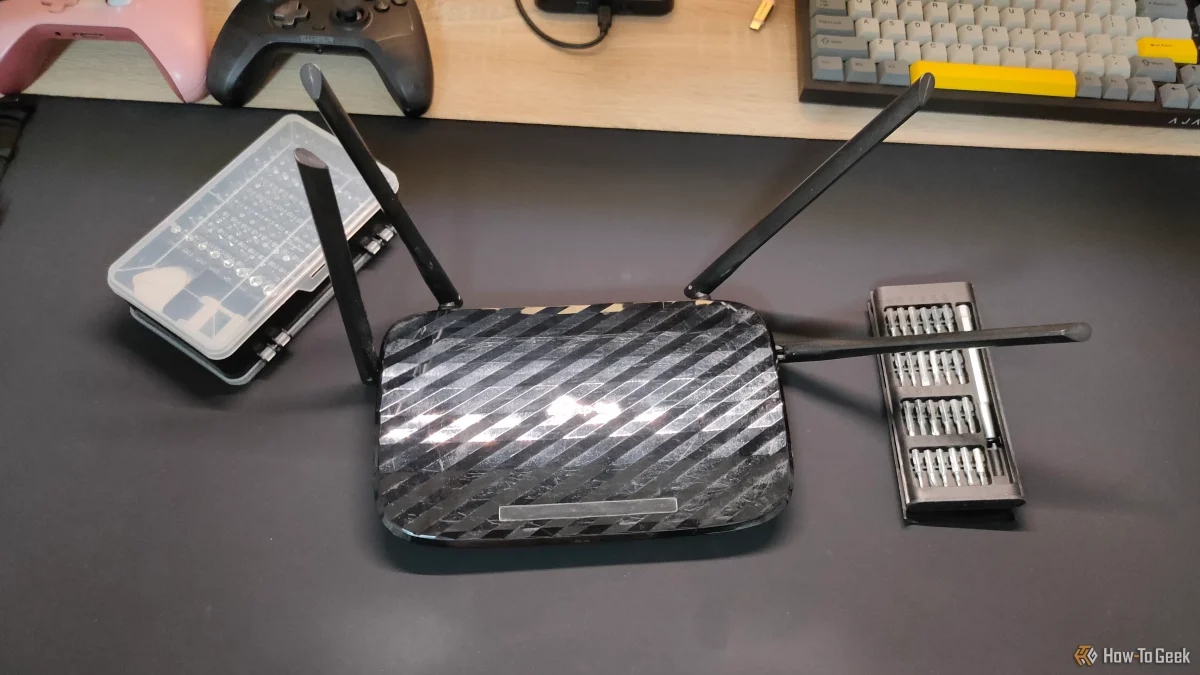

Router antennas play a critical role in optimizing Wi-Fi coverage and signal strength. The orientation of these antennas can significantly affect how well devices receive wireless signals. Many routers come with multiple antennas designed to be positioned in various directions to accommodate different device placements.
Devices such as smartphones, laptops, and smart home gadgets receive signals from different angles, making it essential to adjust antenna positions accordingly. For instance, if antennas are solely pointing upwards, devices located lower may experience weaker signals. This variability underscores the necessity of configuring antennas to match the layout of your space.
While a common assumption is that antennas should be oriented straight up, this may not always yield the best results. There is no universal angle that works for every device, as layouts differ widely in homes and offices. Understanding these dynamics is key to achieving the best possible network performance.
For example, a popular router model, the Unifi, covers around 1,750 square feet and is priced at $279. Properly positioning its antennas can lead to enhanced connectivity across various devices, ensuring a more reliable network experience.