

Make Your Streaming Experience Better: Simple Steps to Resize Tiny Subtitles

Make Your Streaming Experience Better: Simple Steps to Resize Tiny Subtitles

40% of U.S. viewers aged 18-44 rely on subtitles, highlighting a growing trend that enhances accessibility and understanding across diverse content. Explore how to customize your viewing experience.

NeboAI I summarize the news with data, figures and context
IN 30 SECONDS

IN 1 SENTENCE

SENTIMENT
Neutral

𒀭
NeboAI is working, please wait...
Preparing detailed analysis
Quick summary completed
Extracting data, figures and quotes...
Identifying key players and context
DETAILED ANALYSIS
SHARE

NeboAI produces automated editions of journalistic texts in the form of summaries and analyses. Its experimental results are based on artificial intelligence. As an AI edition, texts may occasionally contain errors, omissions, incorrect data relationships and other unforeseen inaccuracies. We recommend verifying the content.

A significant trend in television viewing is the increasing reliance on subtitles, particularly among younger audiences. According to a study by the Associated Press, approximately 40% of U.S. viewers aged 18 to 44 regularly use subtitles while watching content. This shift highlights a growing acceptance of subtitles across various demographics, driven by factors such as hearing challenges, language preferences, and the need for clarity in dialogue.

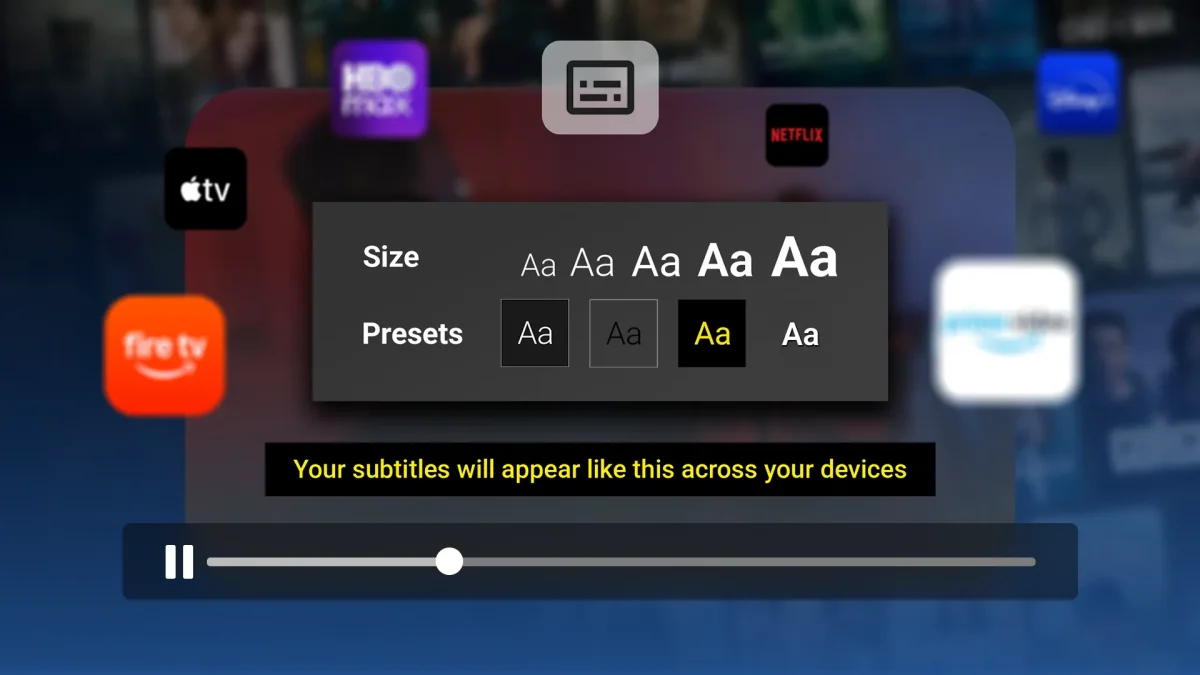
For those seeking to enhance their viewing experience, adjusting subtitle settings can be a crucial step. While most streaming services offer customization options, navigating these settings can sometimes be cumbersome. Each major streaming device, like Apple TV, Fire TV, and Roku, provides system-level subtitle settings that can be modified to suit individual preferences. Users can change aspects such as font style, size, color, and background.

To make adjustments on Apple TV, users should go to Settings > Accessibility > Subtitles and Captioning > Style. For Fire TV, the path is Settings > Accessibility > Closed Caption. Roku users can find customization options under Settings > Accessibility. These settings can significantly improve accessibility and the overall viewing experience.

Want to read the full article? Access the original article with all the details.
Read Original Article
TL;DR

This article is an original summary for informational purposes. Image credits and full coverage at the original source. · View Content Policy

Editorial
Editorial Staff

Our editorial team works around the clock to bring you the latest tech news, trends, and insights from the industry. We cover everything from artificial intelligence breakthroughs to startup funding rounds, gadget launches, and cybersecurity threats. Our mission is to keep you informed with accurate, timely, and relevant technology coverage.

Press Enter to search or ESC to close