
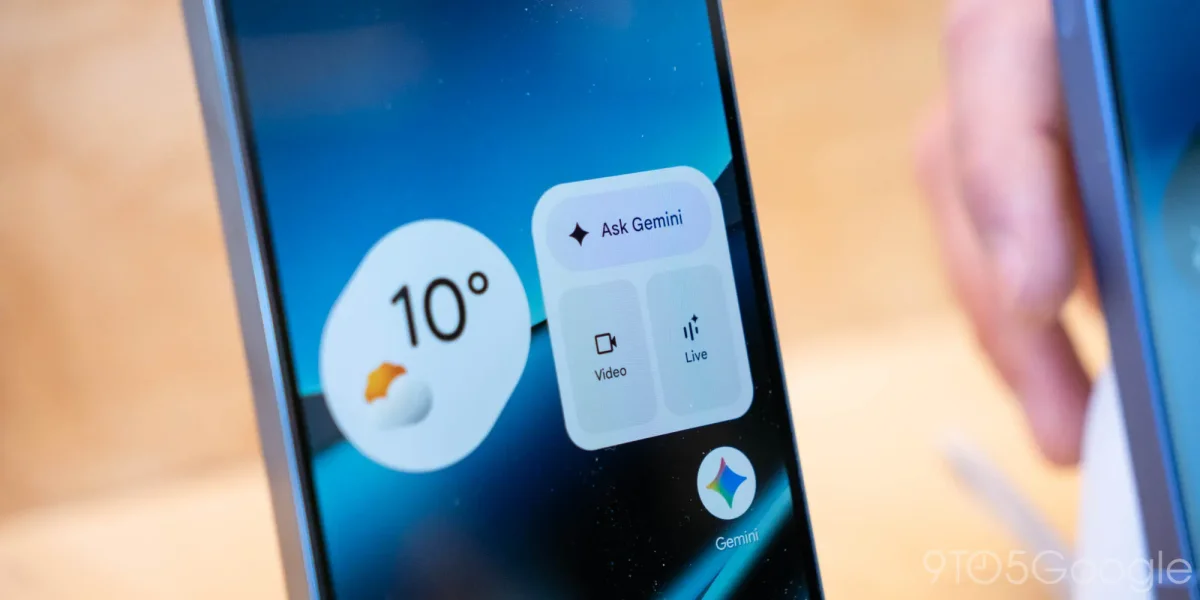

The latest update to Google's Gemini overlay on Android has introduced a vibrant new glow effect around the screen's perimeter, predominantly in blue, with hints of red, green, and yellow fading in and out. This enhancement, which is now being rolled out widely, contrasts with the previous design that featured color only around the prompt box.
Additionally, the interface for Temporary chat on the web has seen significant changes. The icon to initiate a Temporary chat has been relocated to the top-right corner of the screen, adjacent to the user's profile image and subscription status, encircled in blue when active. This adjustment aims to streamline the side panel, although users must return to the homepage to access it if they are engaged in an ongoing conversation.
Current Gemini users on the web can expect to see these updates today, while the mobile rollout will be more gradual. The Gemini platform is also enhancing functionality by allowing users to import chats and memories from other AI applications.