
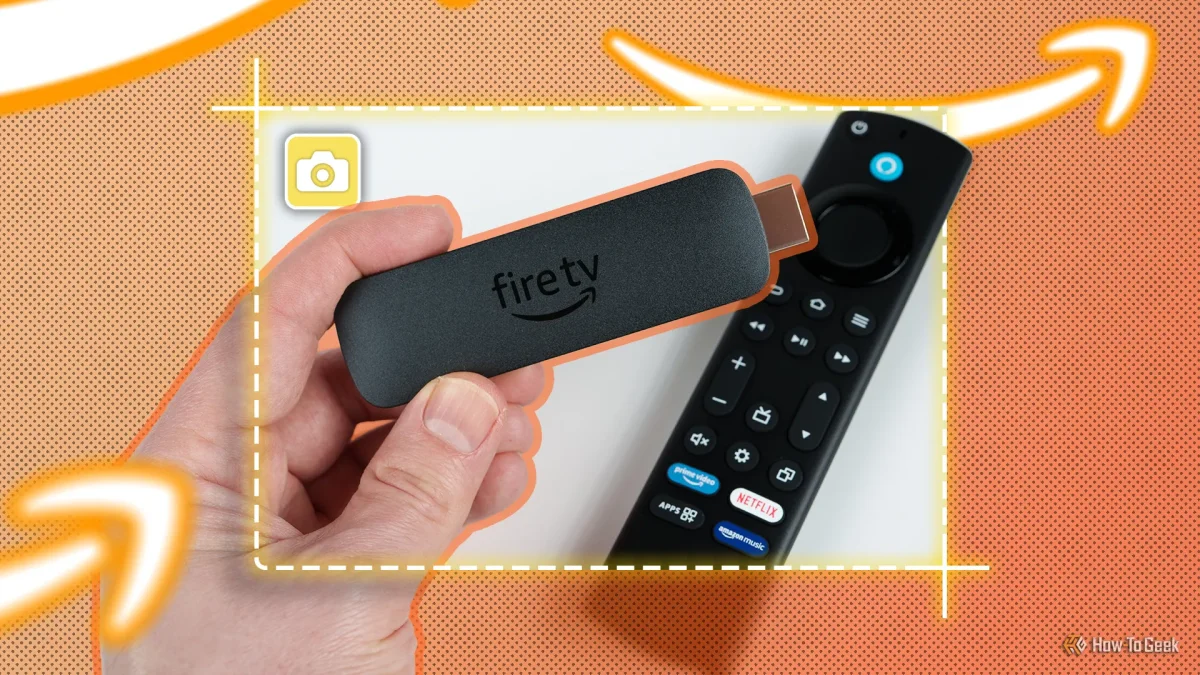

Boost your Fire TV Stick experience: The must-have accessory reducing buffering issues

Boost your Fire TV Stick experience: The must-have accessory reducing buffering issues

High-speed internet alone won't guarantee smooth streaming; environmental factors and device limitations often degrade performance. Discover how to enhance your viewing experience.

NeboAI I summarize the news with data, figures and context
IN 30 SECONDS

IN 1 SENTENCE

SENTIMENT
Neutral

𒀭
NeboAI is working, please wait...
Preparing detailed analysis
Quick summary completed
Extracting data, figures and quotes...
Identifying key players and context
DETAILED ANALYSIS
SHARE

NeboAI produces automated editions of journalistic texts in the form of summaries and analyses. Its experimental results are based on artificial intelligence. As an AI edition, texts may occasionally contain errors, omissions, incorrect data relationships and other unforeseen inaccuracies. We recommend verifying the content.

Buffering during streaming is a common issue for many users, even with high-speed internet connections. It's important to recognize that the problem often lies not with the internet speed itself, but rather with how the data travels to the device. The Amazon Fire TV Stick, when experiencing interruptions, may be affected by environmental factors or hardware limitations.

Users frequently assume that upgrading to a faster internet plan will eliminate streaming disruptions. However, the effectiveness of this speed can be hindered by physical obstacles such as walls and furniture. Wi-Fi signals face challenges due to their reliance on radio frequencies, with the 5 GHz band providing better data capacity but struggling to penetrate solid structures. In contrast, the 2.4 GHz band offers longer range but is susceptible to interference from various household electronics.

To enhance streaming quality, utilizing a wired connection is recommended. A dedicated Ethernet adapter can be connected to the Fire TV Stick's power port, ensuring a stable and reliable connection that bypasses the issues associated with wireless signals.

Want to read the full article? Access the original article with all the details.
Read Original Article
TL;DR

This article is an original summary for informational purposes. Image credits and full coverage at the original source. · View Content Policy

Editorial
Editorial Staff

Our editorial team works around the clock to bring you the latest tech news, trends, and insights from the industry. We cover everything from artificial intelligence breakthroughs to startup funding rounds, gadget launches, and cybersecurity threats. Our mission is to keep you informed with accurate, timely, and relevant technology coverage.

Press Enter to search or ESC to close