
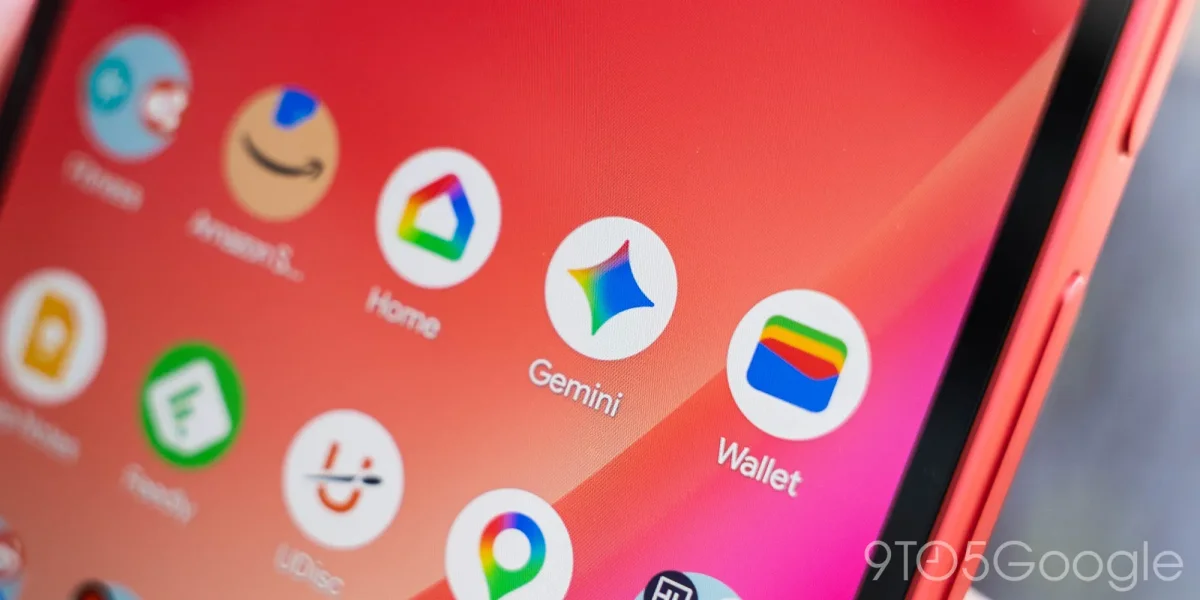

Android users brace for significant changes as Gemini Live and overlay begin rollout

Android users brace for significant changes as Gemini Live and overlay begin rollout

Google's Gemini overlay and Live features are undergoing rapid redesigns, enhancing user experience with a floating interface and streamlined tools, now rolling out in beta version 17.3.

NeboAI I summarize the news with data, figures and context
IN 30 SECONDS

IN 1 SENTENCE

SENTIMENT
Neutral

𒀭
NeboAI is working, please wait...
Preparing detailed analysis
Quick summary completed
Extracting data, figures and quotes...
Identifying key players and context
DETAILED ANALYSIS
SHARE

NeboAI produces automated editions of journalistic texts in the form of summaries and analyses. Its experimental results are based on artificial intelligence. As an AI edition, texts may occasionally contain errors, omissions, incorrect data relationships and other unforeseen inaccuracies. We recommend verifying the content.

Google is implementing a significant redesign for the Gemini overlay and Gemini Live, following updates made in February and March. The new visual changes are being rolled out quickly, highlighting the company's commitment to enhancing user experience. The latest updates include a redesigned Tools menu on Android, which features a narrower pill design and an enlarged “Ask Gemini” section, alongside an outline-style microphone icon.

Users will notice a new bottom sheet that slides up when tapping the ‘plus’ icon, providing access to a carousel for Photos, Camera, Files, and other tools. The redesign also introduces various creation options, including image and video creation features. While the web version has been undergoing testing, the full mobile app will soon adopt these changes, though the mobile app currently remains unchanged.

In addition, Gemini Live is being updated to offer a floating interface, moving away from the previous fullscreen design. The center now displays a waveform, with controls for screen sharing and exiting Live positioned on either side. The captions button has been relocated to the top-right corner, and the overlay will shrink as users navigate their devices. These enhancements are available in the beta version 17.3 of the Google app, but are not yet seen in the stable release.

Want to read the full article? Access the original article with all the details.
Read Original Article
TL;DR

This article is an original summary for informational purposes. Image credits and full coverage at the original source. · View Content Policy

Editorial
Editorial Staff

Our editorial team works around the clock to bring you the latest tech news, trends, and insights from the industry. We cover everything from artificial intelligence breakthroughs to startup funding rounds, gadget launches, and cybersecurity threats. Our mission is to keep you informed with accurate, timely, and relevant technology coverage.

Press Enter to search or ESC to close