
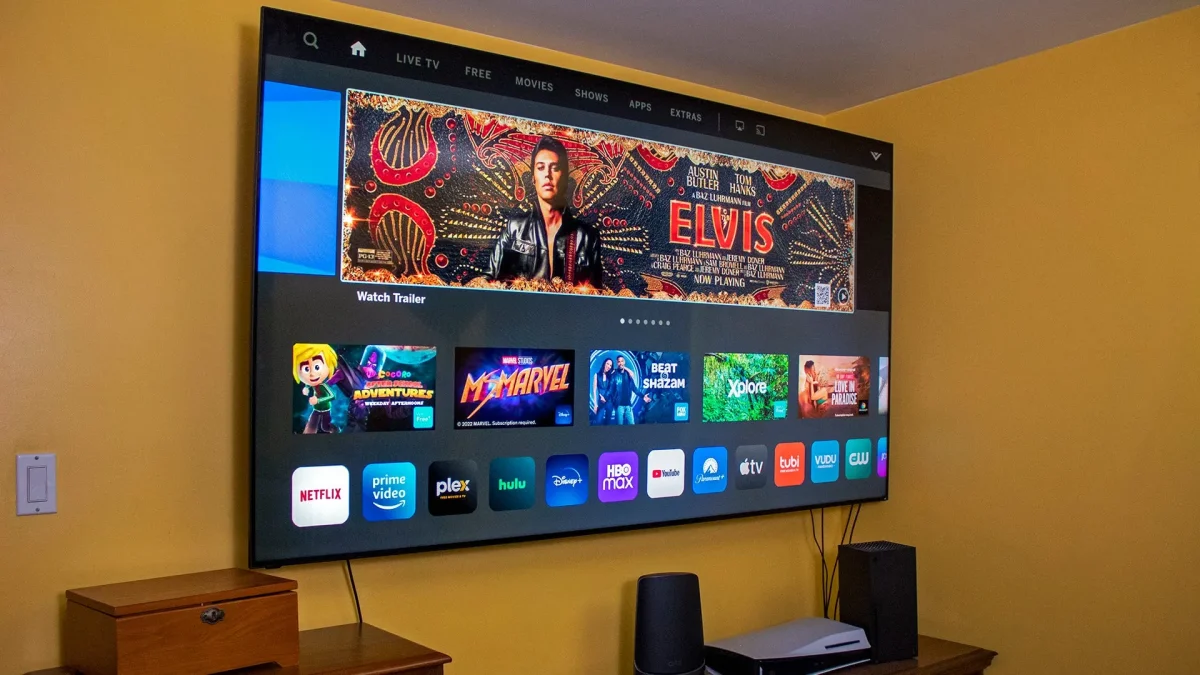

New smart TV owners may be unaware that their devices can deliver subpar viewing experiences if left with default settings. By adjusting these settings, users can significantly enhance picture quality and connection reliability while also addressing privacy concerns.
One common issue is motion smoothing, which can create an artificial "soap opera" effect. This occurs due to the TV’s attempt to interpolate frames for smoother motion, especially in films typically shot at 24 frames per second. Disabling features like Samsung’s Auto Motion Plus or LG’s TruMotion can restore a more natural look. Additionally, activating Filmmaker or Cinema Modes can automatically turn off this setting.
For optimal streaming, switching from Wi-Fi to a wired Ethernet connection is recommended. While Wi-Fi is convenient, it often suffers from instability due to interference. A direct Ethernet connection provides a more reliable experience, as most smart TVs are equipped with 10/100 Mbps ports. This setup can easily accommodate the bandwidth needed for 4K streaming from services like Netflix and YouTube, which require between 15 and 25 Mbps.