
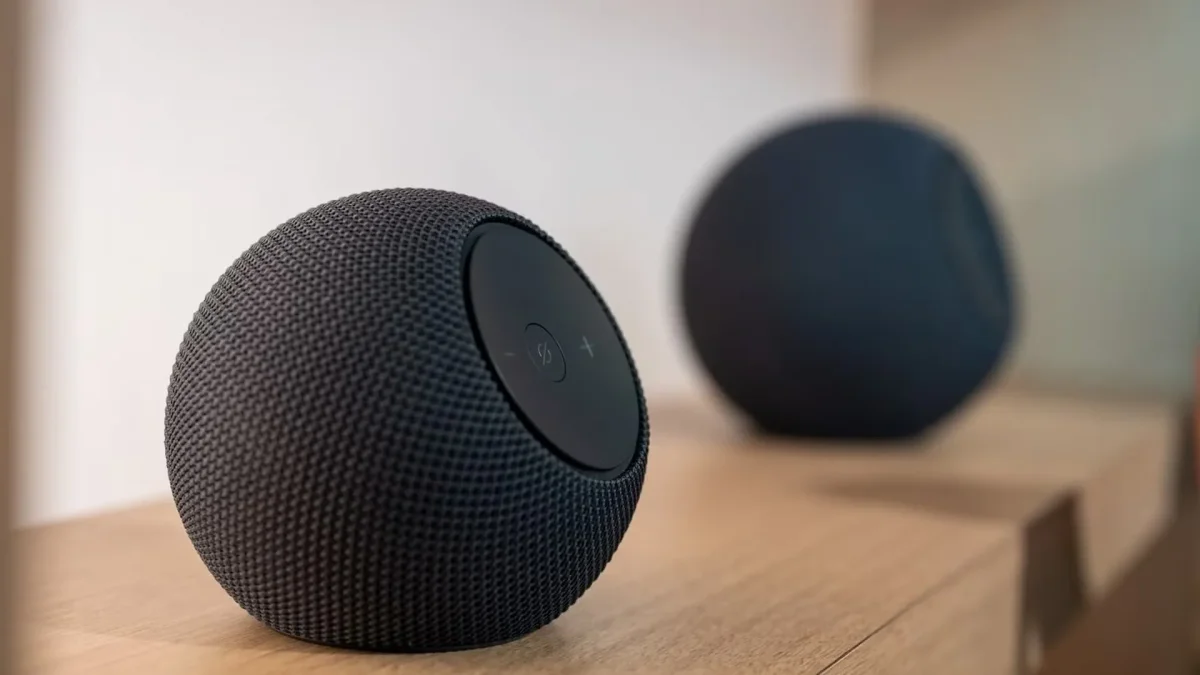

Transform Your Living Room: Echo Speakers Enable Full Surround Sound Experience

Transform Your Living Room: Echo Speakers Enable Full Surround Sound Experience

Amazon's Alexa Home Theater now supports up to five identical Echo speakers for a complete surround sound experience. However, mixing models isn't allowed, limiting flexibility.

NeboAI I summarize the news with data, figures and context
IN 30 SECONDS

IN 1 SENTENCE

SENTIMENT
Neutral

𒀭
NeboAI is working, please wait...
Preparing detailed analysis
Quick summary completed
Extracting data, figures and quotes...
Identifying key players and context
DETAILED ANALYSIS
SHARE

NeboAI produces automated editions of journalistic texts in the form of summaries and analyses. Its experimental results are based on artificial intelligence. As an AI edition, texts may occasionally contain errors, omissions, incorrect data relationships and other unforeseen inaccuracies. We recommend verifying the content.

Amazon has introduced an enhanced Alexa Home Theater feature, allowing users to set up a multi-channel surround sound system using the latest Echo speakers with Fire TV. This rollout follows the launch of the new Echo Studio and Echo Dot Max models earlier this year.

The updated system enables the pairing of up to five compatible Echo speakers along with an optional Echo Sub for a complete 5.1 audio experience. However, users are restricted to using only one model type, meaning all paired speakers must be the same—either all Echo Studios or all Echo Dot Max—and mixing models is not permitted.

To utilize this feature, users need a compatible Fire TV device such as the third-generation Fire TV Cube or the second-generation 4K Sticks. The feature is not supported on many Fire TV models, including the new 4-Series and Omni TVs. While older Echo speakers can access the Home Theater feature, they are limited to two speakers and a subwoofer.

The setup process is straightforward and typically takes around five minutes, provided all devices have the latest firmware. Users can configure the system through the Fire TV settings menu, which includes an automatic calibration process that adjusts audio settings based on the room's acoustics.

Want to read the full article? Access the original article with all the details.
Read Original Article
TL;DR

This article is an original summary for informational purposes. Image credits and full coverage at the original source. · View Content Policy

Editorial
Editorial Staff

Our editorial team works around the clock to bring you the latest tech news, trends, and insights from the industry. We cover everything from artificial intelligence breakthroughs to startup funding rounds, gadget launches, and cybersecurity threats. Our mission is to keep you informed with accurate, timely, and relevant technology coverage.

Press Enter to search or ESC to close