
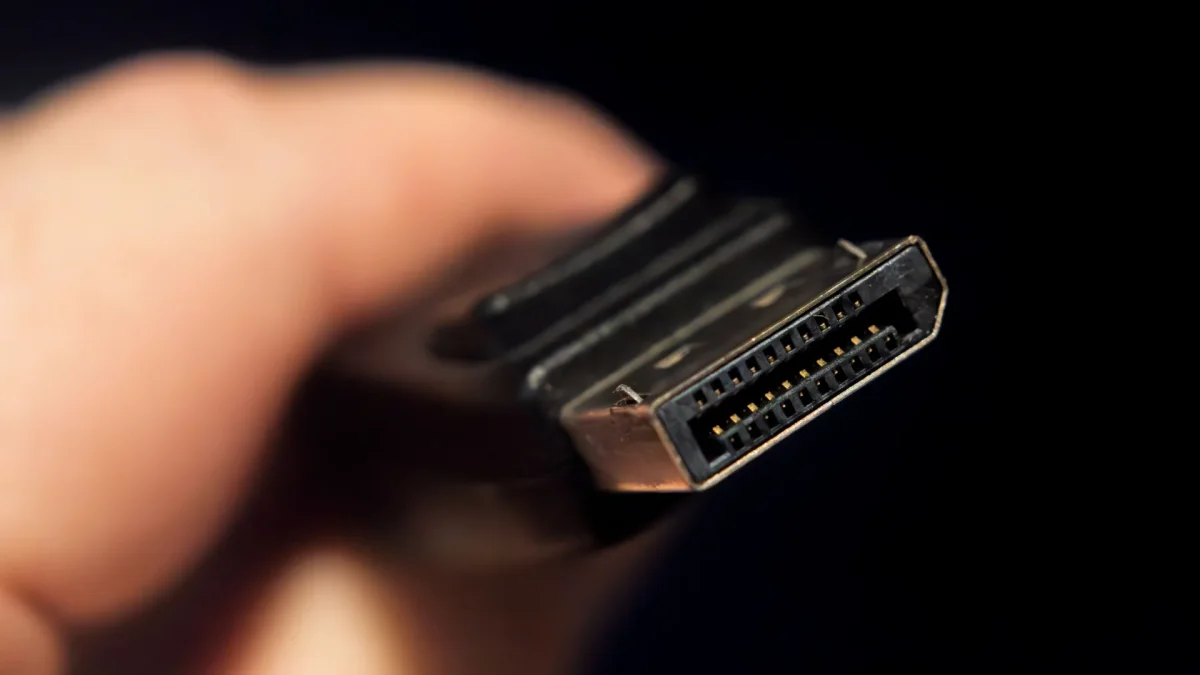

Maximize Your Workspace: Connect Up to Four Monitors with DisplayPort MST Today

Maximize Your Workspace: Connect Up to Four Monitors with DisplayPort MST Today

DisplayPort's MST feature allows multiple monitors to connect through a single cable, reducing clutter. However, hardware compatibility is crucial; not all devices support this capability.

NeboAI I summarize the news with data, figures and context
IN 30 SECONDS

IN 1 SENTENCE

SENTIMENT
Neutral

𒀭
NeboAI is working, please wait...
Preparing detailed analysis
Quick summary completed
Extracting data, figures and quotes...
Identifying key players and context
DETAILED ANALYSIS
SHARE

NeboAI produces automated editions of journalistic texts in the form of summaries and analyses. Its experimental results are based on artificial intelligence. As an AI edition, texts may occasionally contain errors, omissions, incorrect data relationships and other unforeseen inaccuracies. We recommend verifying the content.

Many users are unaware of the capabilities of DisplayPort, often considering it just a premium alternative to HDMI for PC connections. One significant feature of DisplayPort is its ability to support multiple displays through a single cable, thanks to a technology called Multi-Stream Transport (MST).

To utilize this feature, both the graphics card and the monitor must support MST. While most modern graphics cards released after 2013 are likely to have this capability, it is essential to verify compatibility. Monitors equipped with MST will have a DP out port, allowing for daisy-chaining multiple displays together.

This setup not only simplifies cabling but also enhances the overall aesthetic by reducing clutter. Users can manage just one long cable instead of multiple connections, significantly improving organization, especially in complex multi-monitor environments.

However, it is crucial to note that not all DisplayPort configurations are the same. The earliest version supporting MST is DisplayPort 1.2, which dictates the number of monitors that can be connected and the resolutions they can support.

Want to read the full article? Access the original article with all the details.
Read Original Article
TL;DR

This article is an original summary for informational purposes. Image credits and full coverage at the original source. · View Content Policy

Editorial
Editorial Staff

Our editorial team works around the clock to bring you the latest tech news, trends, and insights from the industry. We cover everything from artificial intelligence breakthroughs to startup funding rounds, gadget launches, and cybersecurity threats. Our mission is to keep you informed with accurate, timely, and relevant technology coverage.

Press Enter to search or ESC to close