
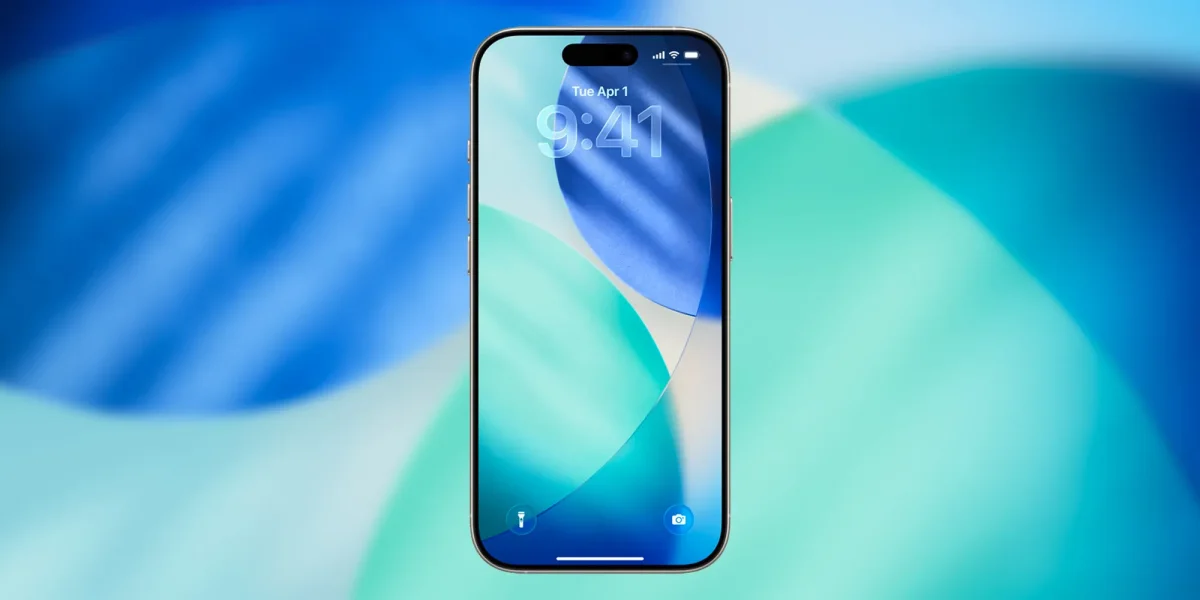

Apple's recent update to iOS 26 introduces several notable changes aimed at enhancing user customization and battery management. One significant alteration involves the Always On Display feature, which now defaults to blurring the wallpaper. This adjustment is intended to emphasize the new Liquid Glass clock and may also serve to extend battery life. Users can easily revert to the previous setting by navigating to Settings > Display & Brightness > Always On Display and disabling the 'Blur Wallpaper Photo' option.
Additionally, iOS 26.1 has introduced a long-requested feature allowing users to disable the Lock Screen swipe gesture that opens the Camera app. Users can turn this off under Settings > Camera. This change aims to prevent accidental openings of the Camera function.
Moreover, the new Adaptive Power feature is now available to enhance battery longevity without severely compromising device performance. This option activates when battery usage increases, adjusting settings like display brightness and extending activity durations. Users can enable this feature under Settings > Battery > Power Mode > Adaptive Power.