
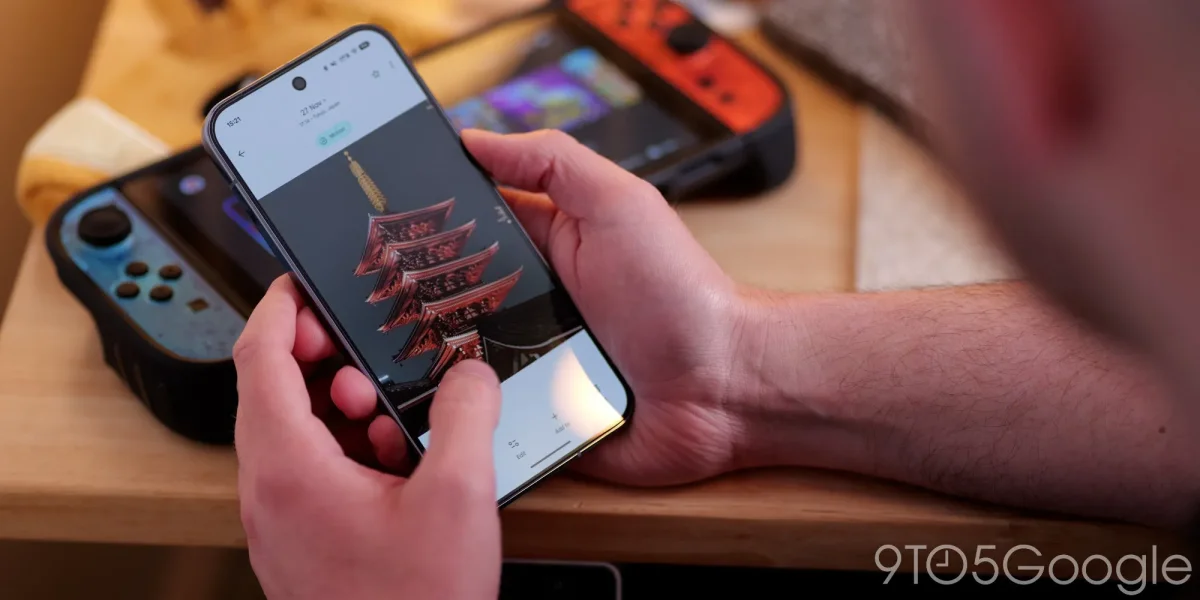

Google Photos enhances user experience with new Stickers folder feature now available

Google Photos enhances user experience with new Stickers folder feature now available

Google Photos for Android now features a dedicated "Sticker" folder, allowing users to quickly access custom stickers they create since the February update. Discover efficient organization with this new functionality.

NeboAI I summarize the news with data, figures and context
IN 30 SECONDS

IN 1 SENTENCE

SENTIMENT
Neutral

𒀭
NeboAI is working, please wait...
Preparing detailed analysis
Quick summary completed
Extracting data, figures and quotes...
Identifying key players and context
DETAILED ANALYSIS
SHARE

NeboAI produces automated editions of journalistic texts in the form of summaries and analyses. Its experimental results are based on artificial intelligence. As an AI edition, texts may occasionally contain errors, omissions, incorrect data relationships and other unforeseen inaccuracies. We recommend verifying the content.

Google Photos for Android has introduced a new feature that saves custom stickers in a dedicated folder, enhancing user accessibility. This new “Sticker” folder is located in the Collections tab, conveniently positioned after the Places map, allowing users to find their creations easily without excessive scrolling.

The update, part of version 7.78, offers a reverse-chronological grid view of all stickers created by long-pressing an image. Users can tap on a sticker to open a bottom sheet that provides options to delete or copy, with the latter facilitating access to the system share sheet. This feature was first available for iOS in January, following its initial launch for iPhone and iPad users in August 2025.

As Google phases out Pixel Studio for their devices, this sticker functionality appears to serve as a replacement. Users are encouraged to check the Collections tab for a prompt indicating that “Stickers you create are automatically saved inside Collections.”

Want to read the full article? Access the original article with all the details.
Read Original Article
TL;DR

This article is an original summary for informational purposes. Image credits and full coverage at the original source. · View Content Policy

Editorial
Editorial Staff

Our editorial team works around the clock to bring you the latest tech news, trends, and insights from the industry. We cover everything from artificial intelligence breakthroughs to startup funding rounds, gadget launches, and cybersecurity threats. Our mission is to keep you informed with accurate, timely, and relevant technology coverage.

Press Enter to search or ESC to close