
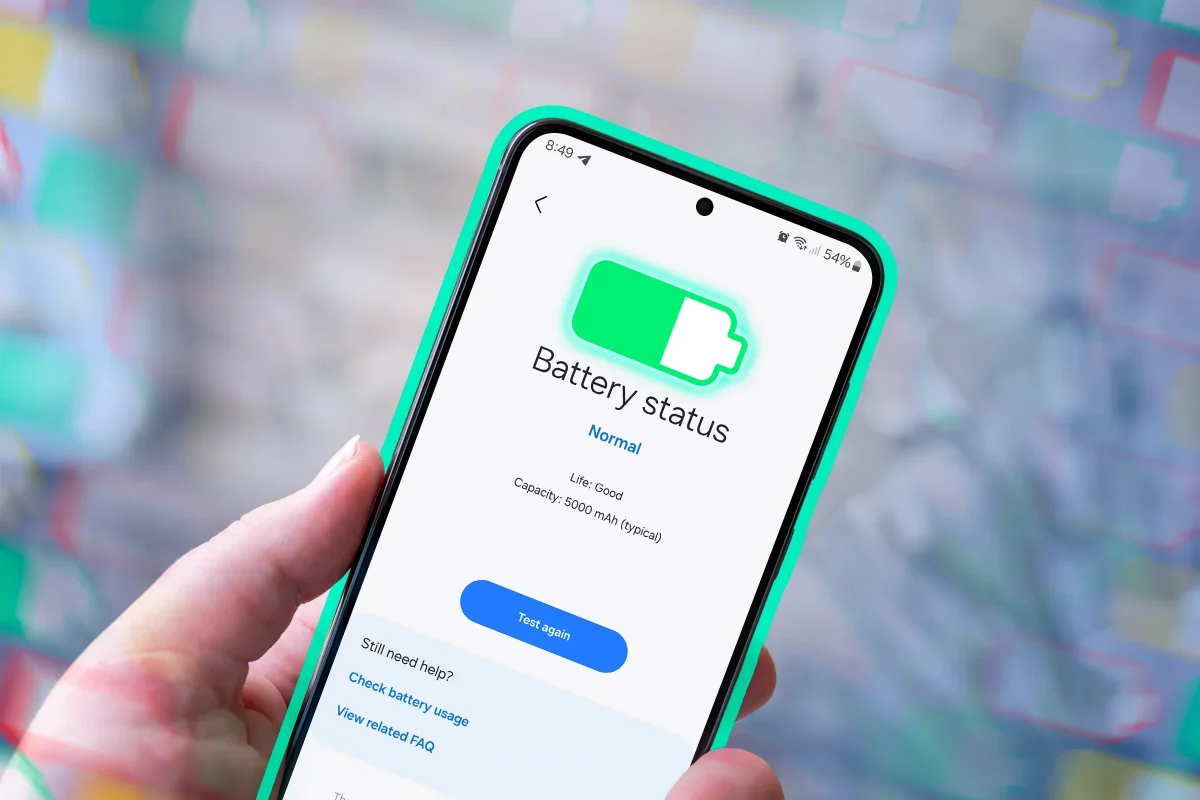

Experts reveal 5 battery-saving tips that may be wasting your phone's energy

Experts reveal 5 battery-saving tips that may be wasting your phone's energy

Disabling Wi-Fi and Bluetooth may not save battery life as believed; modern devices use efficient scanning methods, making such actions largely unnecessary. Discover the best battery-saving tips.

NeboAI I summarize the news with data, figures and context
IN 30 SECONDS

IN 1 SENTENCE

SENTIMENT
Neutral

𒀭
NeboAI is working, please wait...
Preparing detailed analysis
Quick summary completed
Extracting data, figures and quotes...
Identifying key players and context
DETAILED ANALYSIS
SHARE

NeboAI produces automated editions of journalistic texts in the form of summaries and analyses. Its experimental results are based on artificial intelligence. As an AI edition, texts may occasionally contain errors, omissions, incorrect data relationships and other unforeseen inaccuracies. We recommend verifying the content.

Recent insights reveal that common battery-saving practices may not be as effective as previously thought. Disabling Wi-Fi and Bluetooth, once a recommended method, is now less impactful on battery life than many users believe. Modern devices manage these connections efficiently, and leaving them on typically does not lead to significant battery drain.

On Android, for instance, background scanning for Wi-Fi networks occurs infrequently—about once every half hour—when not connected to a network. Similarly, iOS and Windows devices exhibit power-efficient behavior regarding Wi-Fi scanning. Bluetooth, while it does engage in an active scan briefly, enters a low-power Listening mode shortly after, consuming minimal battery.

Experts suggest that users should consider disabling Wi-Fi and Bluetooth scanning features rather than the connections themselves, particularly on Android devices. The only scenario where turning off these features may be beneficial is when battery levels are critically low. However, for those concerned about privacy, maintaining these settings may still be advisable.

Want to read the full article? Access the original article with all the details.
Read Original Article
TL;DR

This article is an original summary for informational purposes. Image credits and full coverage at the original source. · View Content Policy

Editorial
Editorial Staff

Our editorial team works around the clock to bring you the latest tech news, trends, and insights from the industry. We cover everything from artificial intelligence breakthroughs to startup funding rounds, gadget launches, and cybersecurity threats. Our mission is to keep you informed with accurate, timely, and relevant technology coverage.

Press Enter to search or ESC to close