
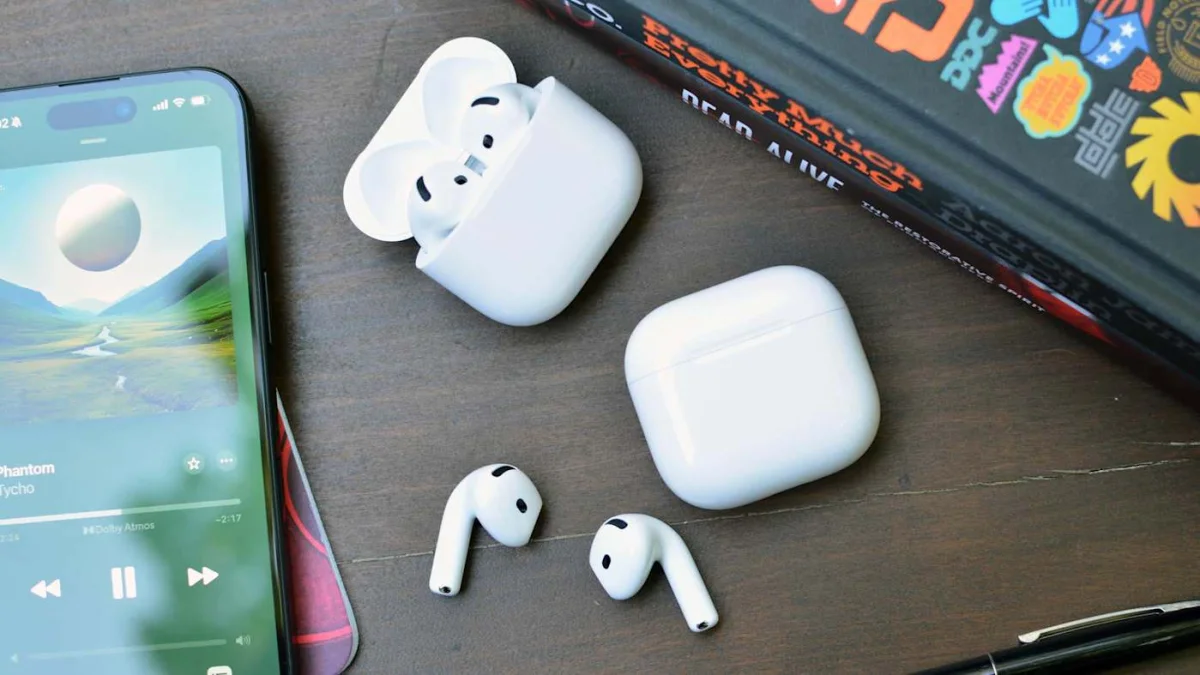

Essential tips to quickly locate your misplaced AirPods and avoid frustration

Essential tips to quickly locate your misplaced AirPods and avoid frustration

Apple's Find My feature aids in locating misplaced AirPods by displaying their last known location, playing sounds, and utilizing Precision Finding for select models. Discover how to maximize its tracking capabilities.

NeboAI I summarize the news with data, figures and context
IN 30 SECONDS

IN 1 SENTENCE

SENTIMENT
Neutral

𒀭
NeboAI is working, please wait...
Preparing detailed analysis
Quick summary completed
Extracting data, figures and quotes...
Identifying key players and context
DETAILED ANALYSIS
SHARE

NeboAI produces automated editions of journalistic texts in the form of summaries and analyses. Its experimental results are based on artificial intelligence. As an AI edition, texts may occasionally contain errors, omissions, incorrect data relationships and other unforeseen inaccuracies. We recommend verifying the content.

Apple’s Find My app offers users a reliable way to locate lost AirPods, enhancing the search process significantly. When paired with an Apple device linked to an Apple ID, AirPods automatically show up in the app, eliminating the need for manual setup. Users must ensure Bluetooth is activated for location updates to occur.

To find misplaced AirPods, open the Find My app on your iPhone, iPad, or Mac and navigate to the Devices tab to view their current location on a map. If the AirPods are not online, the app reveals the last known location, which can assist in narrowing down potential search areas.

If the app indicates that the AirPods are nearby but still not visible, users can activate a locating sound. This feature helps in locating the earbuds when they are hidden under various objects. However, it’s important to note that the AirPods must have sufficient battery life, and not all models support sound playback from the charging case.

Models like the AirPods Pro (2nd gen) and (3rd gen) equipped with MagSafe charging cases feature Precision Finding. This capability utilizes the U1 chip to provide directional guidance, an estimated distance, and haptic feedback, making the search even more efficient.

Want to read the full article? Access the original article with all the details.
Read Original Article
TL;DR

This article is an original summary for informational purposes. Image credits and full coverage at the original source. · View Content Policy

Editorial
Editorial Staff

Our editorial team works around the clock to bring you the latest tech news, trends, and insights from the industry. We cover everything from artificial intelligence breakthroughs to startup funding rounds, gadget launches, and cybersecurity threats. Our mission is to keep you informed with accurate, timely, and relevant technology coverage.

Press Enter to search or ESC to close