
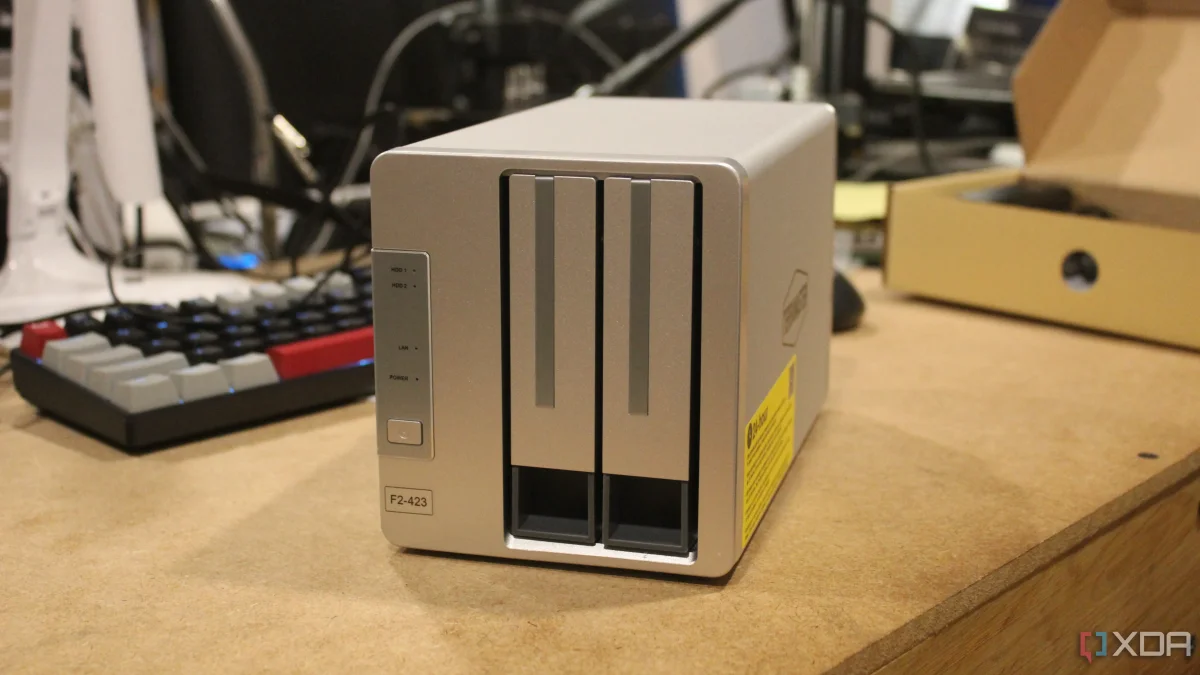

A Network Attached Storage (NAS) device can serve multiple functions, acting as a backup solution, project management tool, and even a smart home manager. Users often find themselves overwhelmed by its capabilities, leading to performance issues as they attempt to utilize every feature. This can result in a bloated system, which may not operate efficiently.
As the demand on a NAS increases, users may notice higher CPU and RAM usage, with dashboard indicators frequently reaching critical levels. The device may struggle under heavy loads, causing the cooling fans to activate more often due to elevated drive temperatures. These signs suggest that the system is being pushed beyond its practical limits.
To maintain optimal functionality, it is essential to differentiate between suitable features and those that are merely applicable. Users should carefully consider which tools to implement, as overloading the NAS can lead to complications, including challenges with routine updates and general usability. Finding a balance is crucial for sustainable and effective operation.