
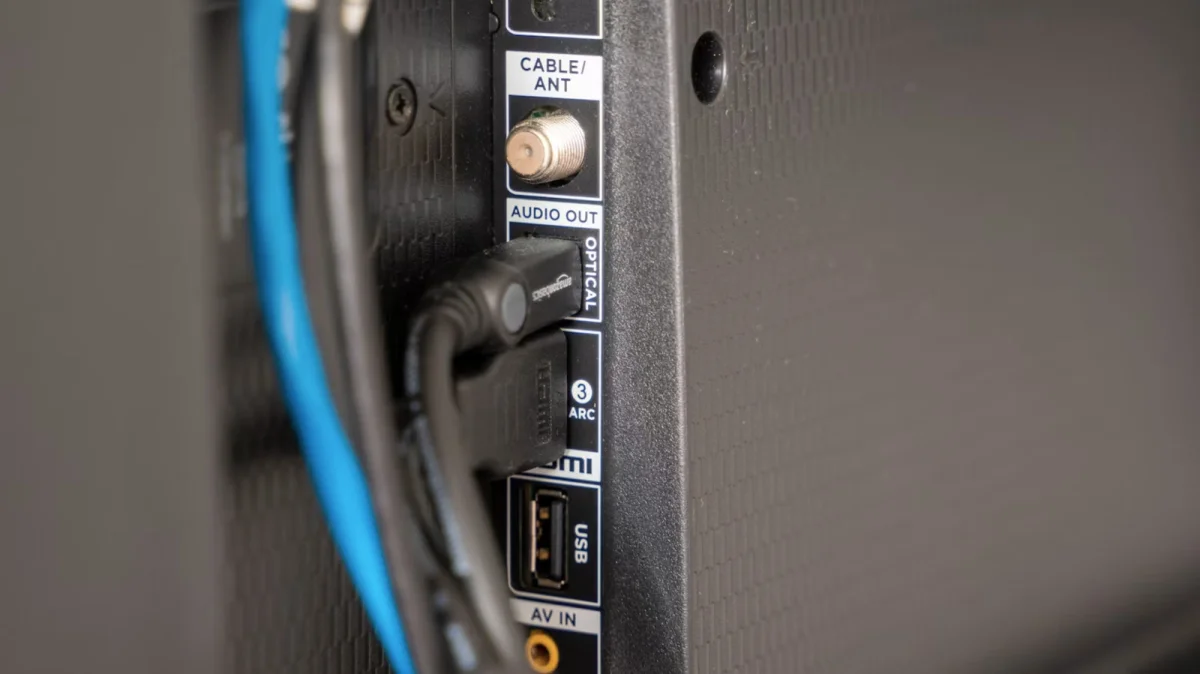

Smart TVs now commonly include USB ports, which began appearing in television models in the early 2000s and became standard by 2010. Most modern smart TVs feature at least one USB port, either traditional USB-A or the more contemporary USB-C, often located on the side or back of the device. These ports can be utilized for various functions, enhancing the overall viewing experience.
The newly launched Amazon Fire TV Stick HD can be powered via a standard USB 2.0 port, negating the need for a separate power adapter. Additionally, users can utilize USB ports to watch downloaded content during internet outages. Most smart TVs are compatible with USB sticks up to 2TB in size, provided they are formatted correctly, typically in FAT32 or exFAT/NTFS.
For audio, USB drives can be loaded with music files in popular formats like MP3, WAV, or AAC, allowing playback without an internet connection. Furthermore, the rise of USB-powered light strips has led to innovative lighting solutions that enhance the viewing atmosphere, automatically syncing with the TV's content to create a dynamic light show.