
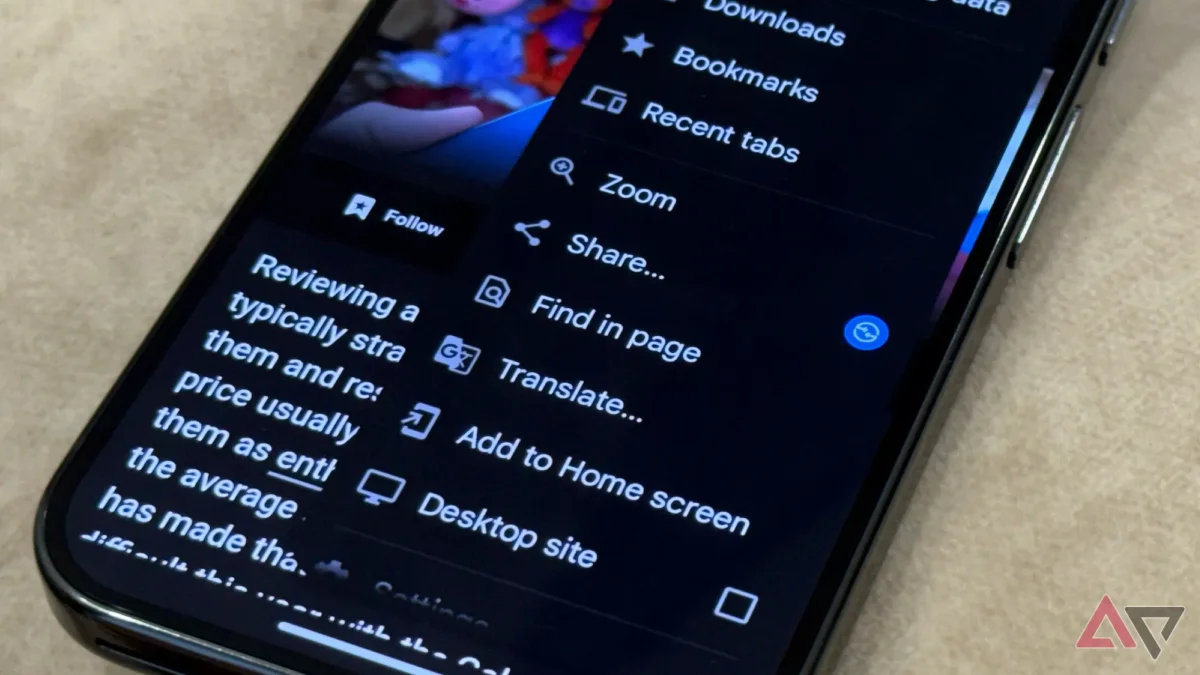

Google has enhanced the user experience of its Chrome browser on Android by incorporating a new feature that simplifies access to favorite websites. The recently added bookmark bar mirrors a long-standing feature on the desktop version, allowing for quicker navigation and improved accessibility.
Previously, users had to navigate through multiple layers in the three-dot menu to find bookmarks. Now, the bookmark bar is directly accessible, appearing just below the omnibox. To activate this feature, users need to access the Settings menu and toggle the Show bookmark bar option under Appearance.
However, this functionality is currently limited to tablets, as reports indicate that the bookmark bar is not yet available for Android smartphones. There is no official timeline from Google regarding when or if this feature will be extended to mobile devices.