
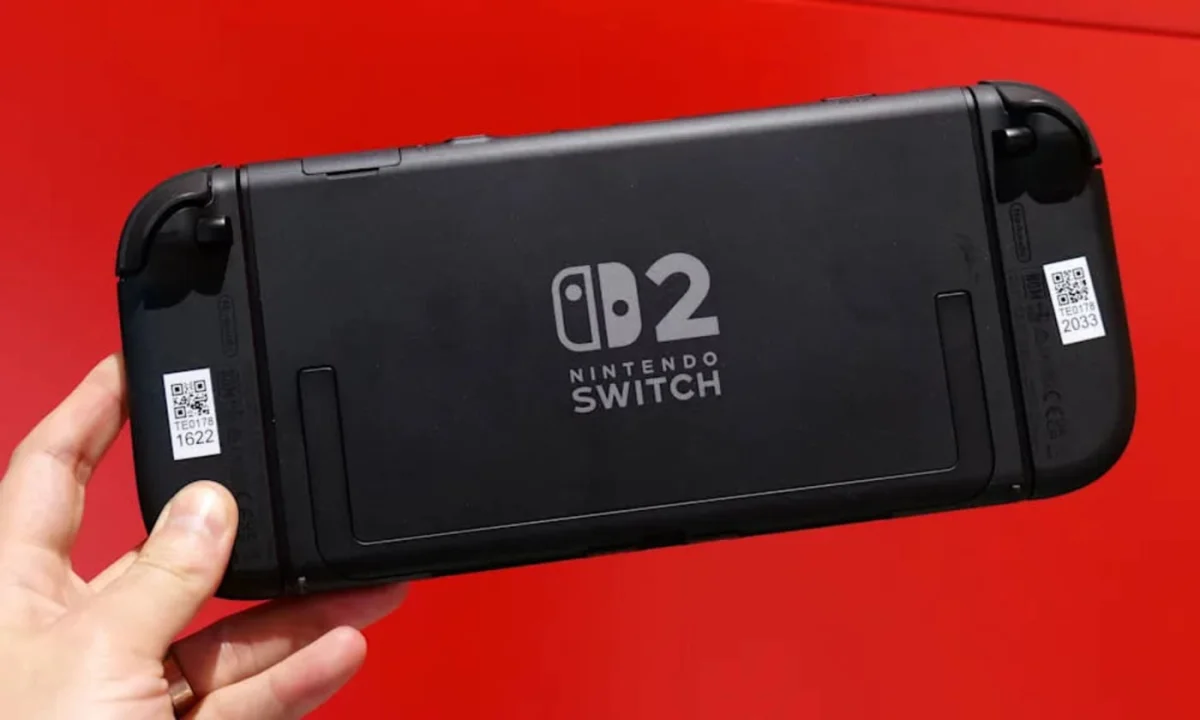

Gamers Gear Up: Essential Steps for a Smooth Transition to Nintendo Switch 2

Gamers Gear Up: Essential Steps for a Smooth Transition to Nintendo Switch 2

Nintendo's new Switch 2 allows seamless data transfer from the original console, ensuring your favorite games and save files are just minutes away. Discover how to prepare for a smooth transition.

NeboAI I summarize the news with data, figures and context
IN 30 SECONDS

IN 1 SENTENCE

SENTIMENT
Neutral

𒀭
NeboAI is working, please wait...
Preparing detailed analysis
Quick summary completed
Extracting data, figures and quotes...
Identifying key players and context
DETAILED ANALYSIS
SHARE

NeboAI produces automated editions of journalistic texts in the form of summaries and analyses. Its experimental results are based on artificial intelligence. As an AI edition, texts may occasionally contain errors, omissions, incorrect data relationships and other unforeseen inaccuracies. We recommend verifying the content.

The transition to the new Switch 2 console promises enhanced gameplay with a larger screen and improved features. To facilitate this upgrade, Nintendo has implemented a straightforward System Transfer process that enables users to migrate their digital purchases, save files, and account information from their original Switch. Proper preparation can ensure a seamless transition back to gaming on the new hardware.

Before initiating the transfer, users should ensure both consoles are charged and connected to a stable Wi-Fi network. It is essential to update the original Switch to the latest system software and confirm that all user profiles are linked to a valid Nintendo Account. While most titles will function on the Switch 2, checking Nintendo's compatibility list is advisable to avoid any unexpected issues.

To start the transfer, users must access the System Settings on the original console, select Users, and then initiate the transfer process. The new Switch will guide users through the setup, prompting them to connect the two systems and begin the data transfer. Once complete, digital games will be available for redownload in the eShop on the Switch 2.

Want to read the full article? Access the original article with all the details.
Read Original Article
TL;DR

This article is an original summary for informational purposes. Image credits and full coverage at the original source. · View Content Policy

Editorial
Editorial Staff

Our editorial team works around the clock to bring you the latest tech news, trends, and insights from the industry. We cover everything from artificial intelligence breakthroughs to startup funding rounds, gadget launches, and cybersecurity threats. Our mission is to keep you informed with accurate, timely, and relevant technology coverage.

Press Enter to search or ESC to close