
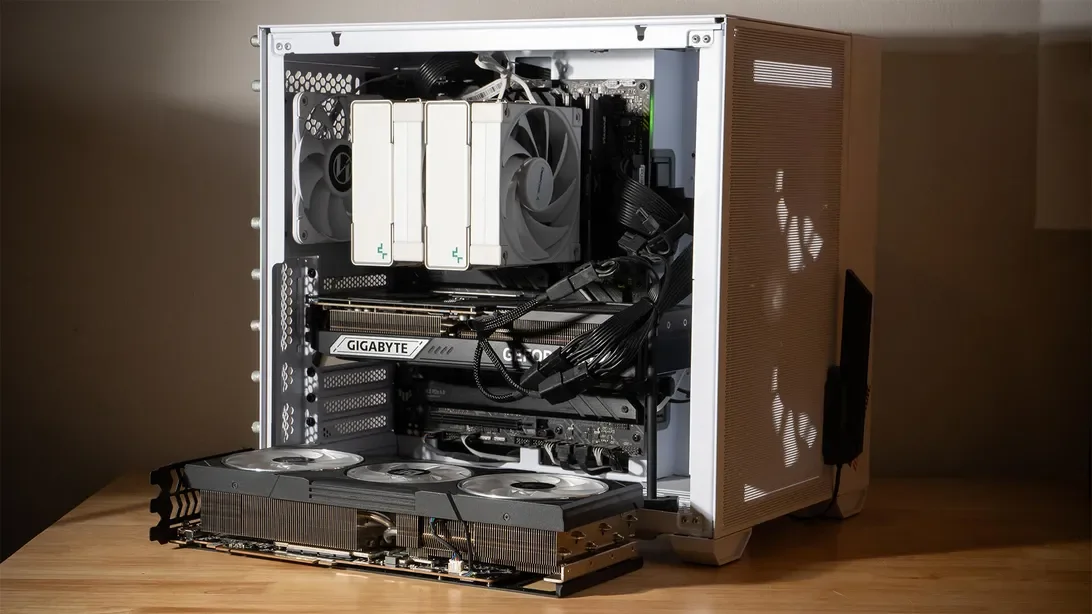

Upgrading the graphics card is often regarded as a primary method to enhance gaming performance, but it may not always deliver the expected results. A significant factor that can hinder performance is the central processing unit (CPU), which can create what is known as a CPU bottleneck. Understanding this limitation can help gamers achieve better overall performance.
In a gaming setup, the CPU and graphics processing unit (GPU) have distinct roles that contribute to the seamless gaming experience. The CPU manages game mechanics, such as physics and artificial intelligence, while the GPU handles the visual rendering. If the CPU is underperforming, it can slow down the communication with the GPU, leading to stuttering or lag during gameplay.
Visualize this relationship as a restaurant scenario where the CPU acts as the waiter, taking orders and relaying them to the kitchen, represented by the GPU. If the waiter is slow, the kitchen can't operate at full capacity, resulting in delays in serving the final product to the customers, or in this case, the monitor.
To maximize gaming performance, it’s essential to ensure that both the CPU and GPU are well-matched, especially at higher resolutions and detail settings. Upgrading the GPU without addressing CPU limitations may not yield the desired improvements.