
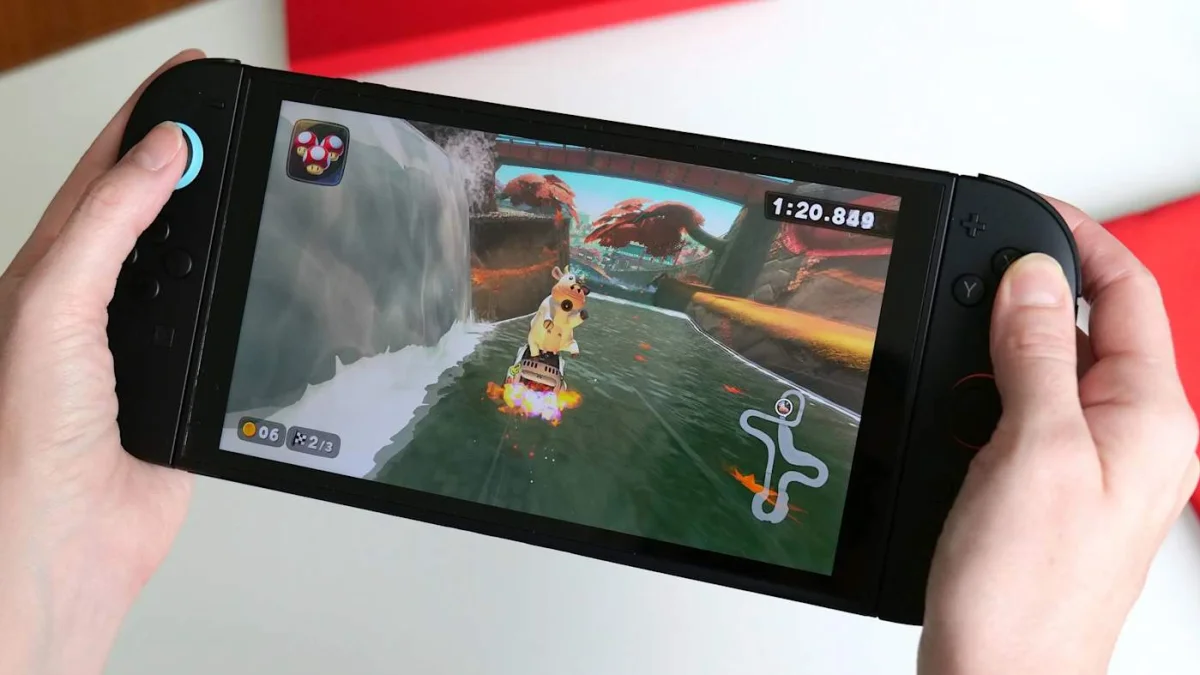

Redeeming digital game codes on the Nintendo Switch 2 is designed to be straightforward, mirroring the familiar methods from the original console. Users can enter codes through the console's eShop or via a web browser, ensuring the titles are linked to their Nintendo Account and accessible across compatible devices.
Before starting, ensure the Switch 2 is connected to the internet and that you have a Nintendo Account. Codes typically consist of sixteen characters that can be found on physical cards, receipts, or confirmation emails. Each code can only be redeemed once and must be entered exactly as displayed.
To redeem a code directly on the console, access the eShop from the home screen. After selecting the appropriate user profile, locate the Redeem Code option in the left navigation panel. Enter the code accurately using the on-screen keyboard, then confirm the entry. Upon validation, select Redeem to initiate the download, which will appear on the home screen. Users can track the download progress until installation is complete.