
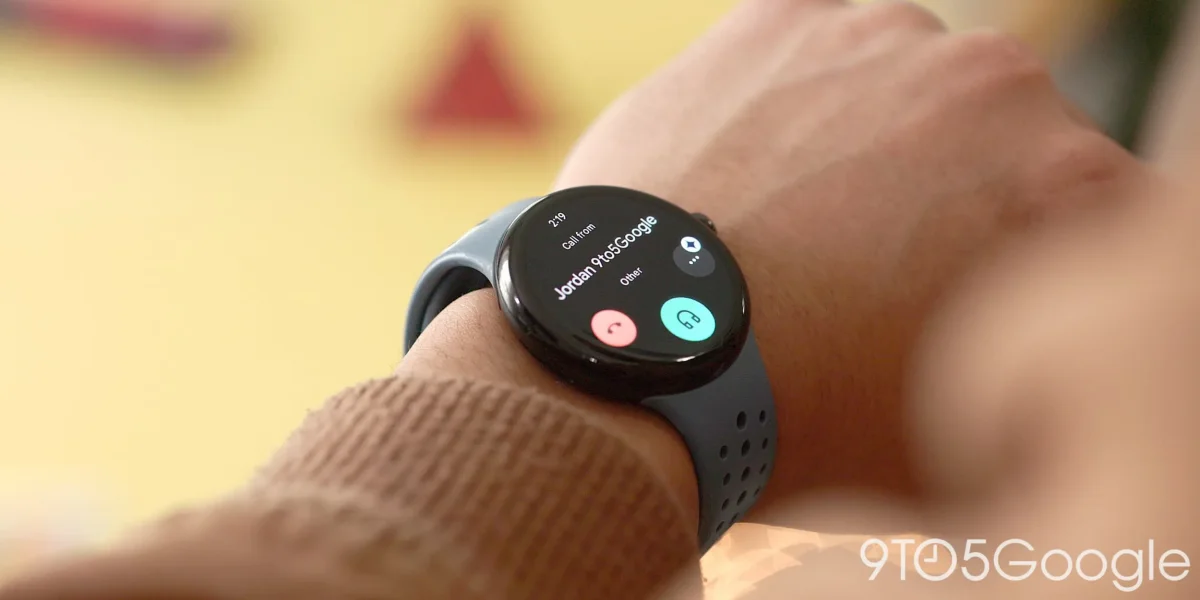

Wear OS users gain enhanced features with Google Phone app's Material 3 redesign

Wear OS users gain enhanced features with Google Phone app's Material 3 redesign

Phone by Google introduces a refreshed design on Wear OS, enhancing the user experience with Material 3 elements for better navigation and usability. Explore the latest features now.

NeboAI I summarize the news with data, figures and context
IN 30 SECONDS

IN 1 SENTENCE

SENTIMENT
Neutral

𒀭
NeboAI is working, please wait...
Preparing detailed analysis
Quick summary completed
Extracting data, figures and quotes...
Identifying key players and context
DETAILED ANALYSIS
SHARE

NeboAI produces automated editions of journalistic texts in the form of summaries and analyses. Its experimental results are based on artificial intelligence. As an AI edition, texts may occasionally contain errors, omissions, incorrect data relationships and other unforeseen inaccuracies. We recommend verifying the content.

The recent update to the Phone by Google app has introduced a significant redesign on Wear OS, showcasing a modernized interface. This new look features a Recents feed on the app’s homepage, replacing the previous list format that included Favorites, Recents, Contacts, Dialpad, and Voicemail. With the integration of Dynamic Color, the app now has a more vibrant appearance, along with two prominent buttons for quick access to contacts and the dialer.

Additionally, the Dialpad has been enhanced with Material 3 Expressive design elements, while the update supports scrolling for accessing special characters like *, #, and +. The upgrade is available for users on Wear OS 6 with version 165 of the app, as well as those on Wear OS 7.

In parallel, the Contacts app has also seen improvements, highlighted in the Wear OS 7 changelog for the Pixel Watch. A new feature allows users to add contacts directly from their wrist, with options for keyboard and voice search visible upon tapping the magnifying glass. Contact pages are now designed with Material 3 elements, offering fresh layouts for displaying contact lists and cards. The left side of the display features contact photos along with quick call and message buttons, and a new grid layout for favorite contacts is available on larger screen devices.

Want to read the full article? Access the original article with all the details.
Read Original Article
TL;DR

This article is an original summary for informational purposes. Image credits and full coverage at the original source. · View Content Policy

Editorial
Editorial Staff

Our editorial team works around the clock to bring you the latest tech news, trends, and insights from the industry. We cover everything from artificial intelligence breakthroughs to startup funding rounds, gadget launches, and cybersecurity threats. Our mission is to keep you informed with accurate, timely, and relevant technology coverage.

Press Enter to search or ESC to close