
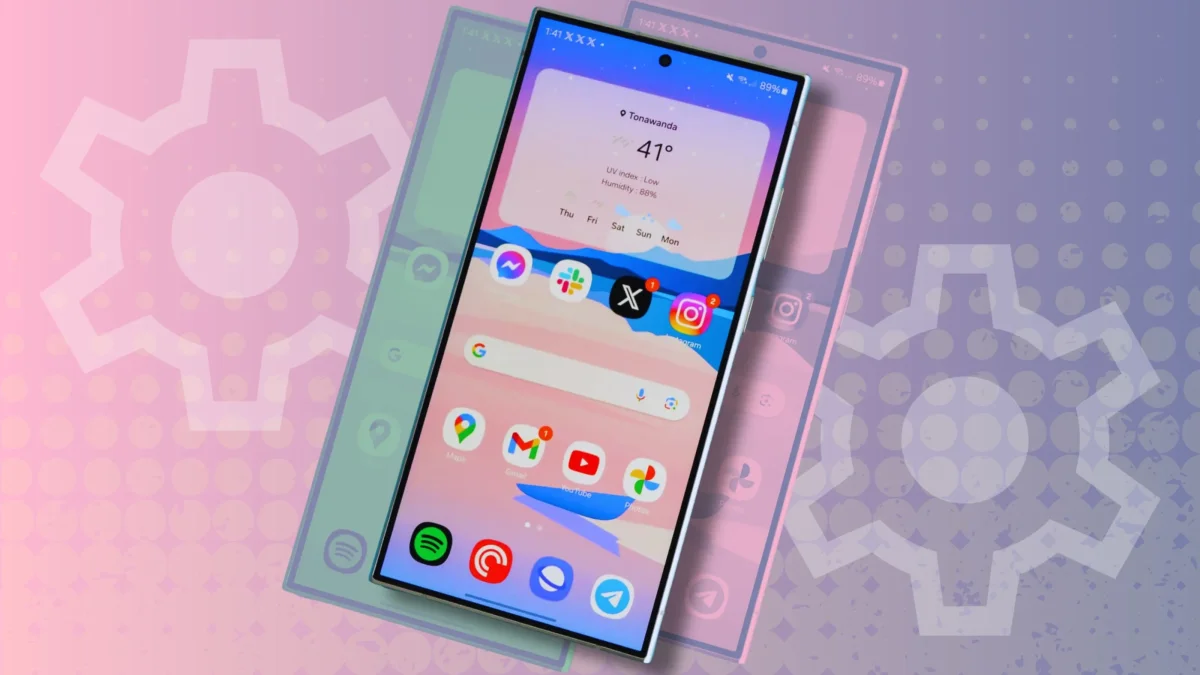

Users facing Wi-Fi connectivity issues may benefit from a newly discovered feature on the Samsung Galaxy phones. The tool, known as Connectivity Labs, is embedded within the One UI and assists in identifying weak network spots, allowing users to optimize their home Wi-Fi setup. After struggling with camera connections in his home, a user found this hidden feature, which enabled him to reposition his mesh routers effectively.
This functionality is available on all Samsung Galaxy devices running One UI 6 or later, including models from the Galaxy S20 series onward. To activate Connectivity Labs, users must navigate to the Wi-Fi settings and enable it through a series of taps on the Intelligent Wi-Fi software version option.
Once activated, it provides valuable insights into where the Wi-Fi signal may be dropping. The Home Wi-Fi inspection tool within Connectivity Labs offers an initial overview followed by an option to select the network for analysis. Users can then receive feedback on any existing configuration issues, helping them to enhance their internet performance at home.