
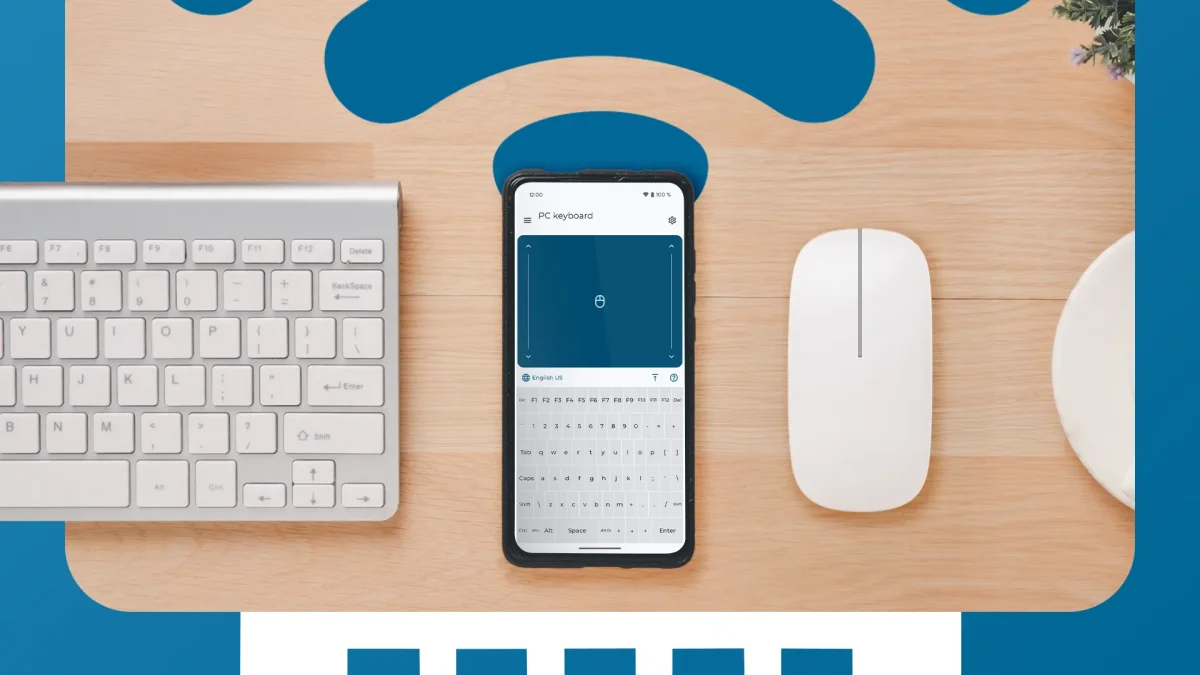

Utilizing an Android device as a mouse or keyboard can be practical, especially in situations where traditional peripherals fail. This method proves beneficial for tasks such as controlling a media server or managing presentations without being tethered to a desk.
Several applications are available on the Play Store to facilitate this, with Remote Mouse and Unified Remote being popular choices. Remote Mouse offers a user-friendly experience and includes features like browser navigation and app shortcuts, though many of its capabilities are behind a paywall.
For those seeking a straightforward option, the Bluetooth Keyboard & Mouse app is recommended. This application is free and requires no additional software installation, allowing seamless connection via Bluetooth with any computer. To begin using it, users need to enable Bluetooth on their computer and follow the app's prompts.