
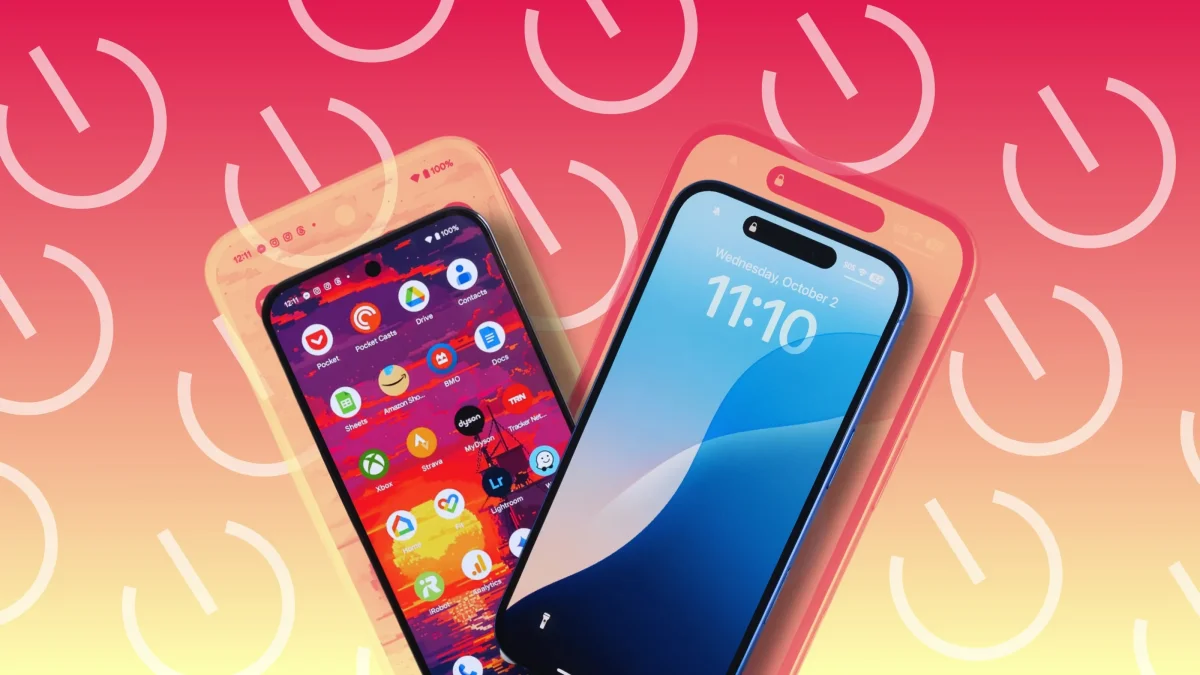

Regularly powering down smartphones can enhance performance by refreshing memory and clearing minor glitches. This practice is beneficial for various devices, including those running on Android 16, One UI 8, or iOS 26, and can help conserve battery life and reduce unauthorized access.
For users of the Google Pixel, turning off the device can be done by pressing and holding the power button along with the volume up button, then selecting the Power off option from the pop-up menu. Alternatively, accessing the Quick Settings menu by swiping down twice allows for an easier shutdown process.
Samsung Galaxy smartphone users may encounter Bixby when pressing the power button. To turn off the device, adjustments can be made in settings to change the function of the power button. For older Pixel models, a simple long press of the power button will bring up the shutdown option.